












 HP Omnipad 12 review
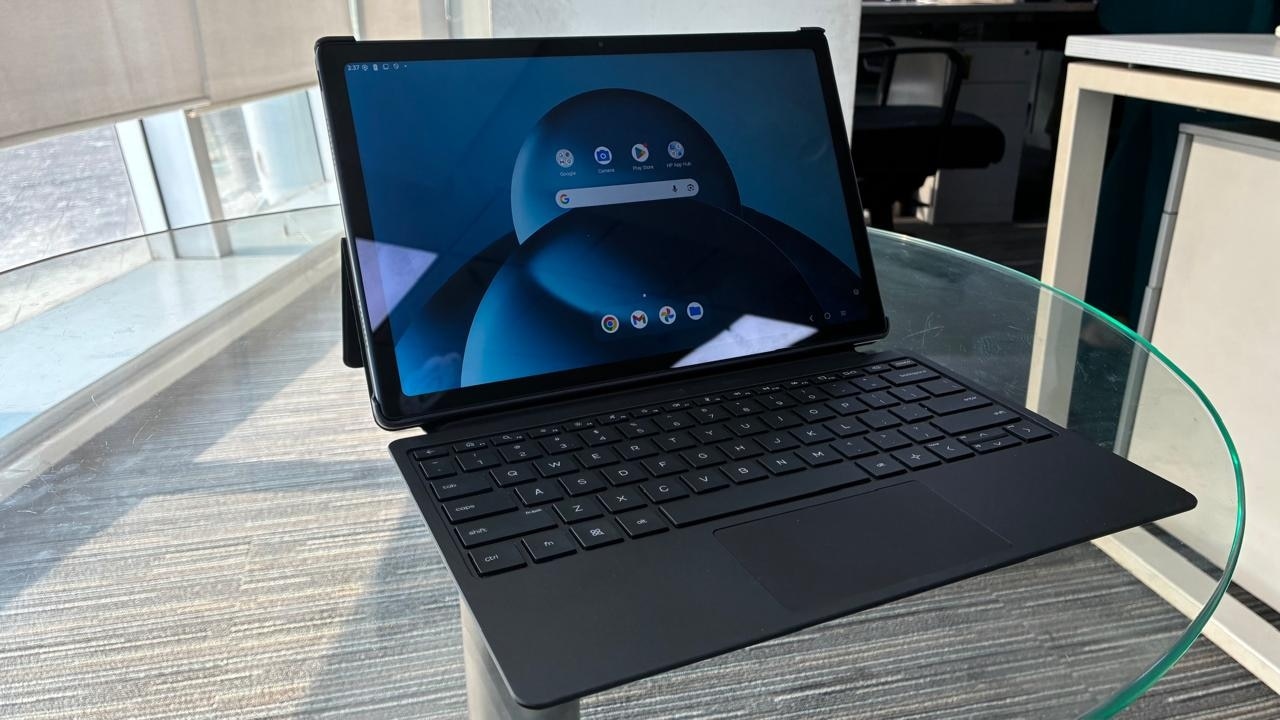
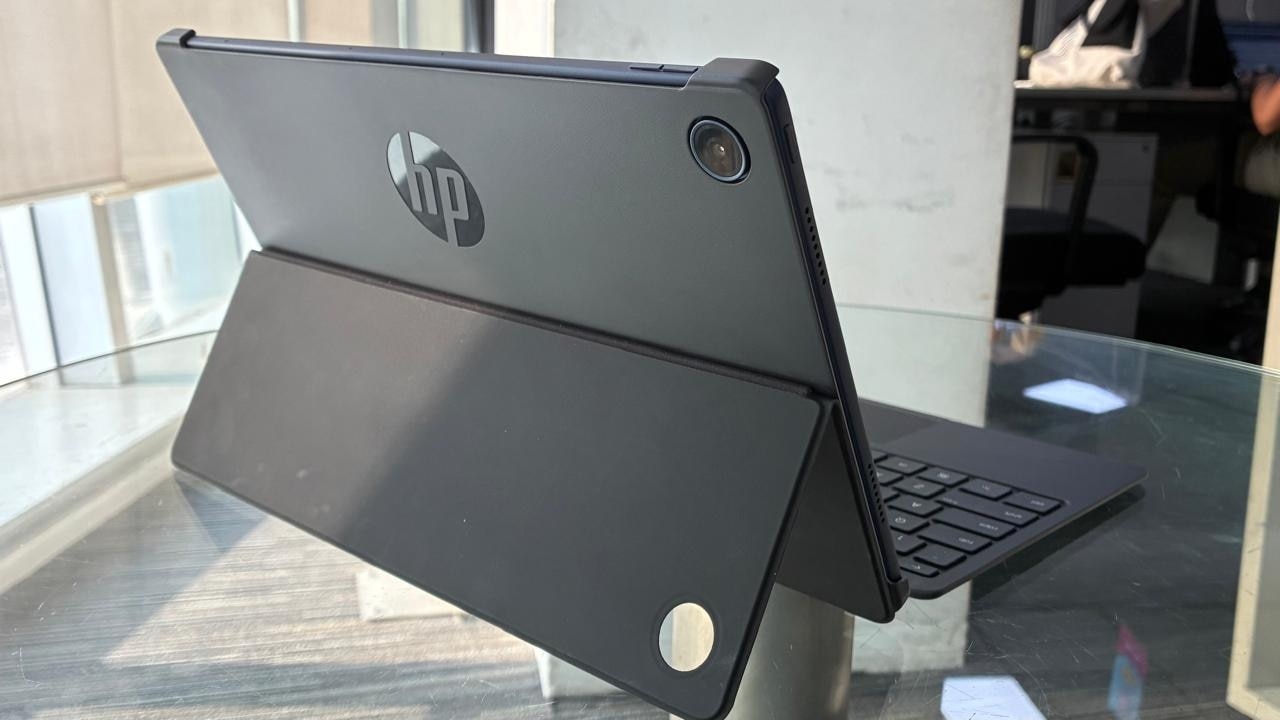
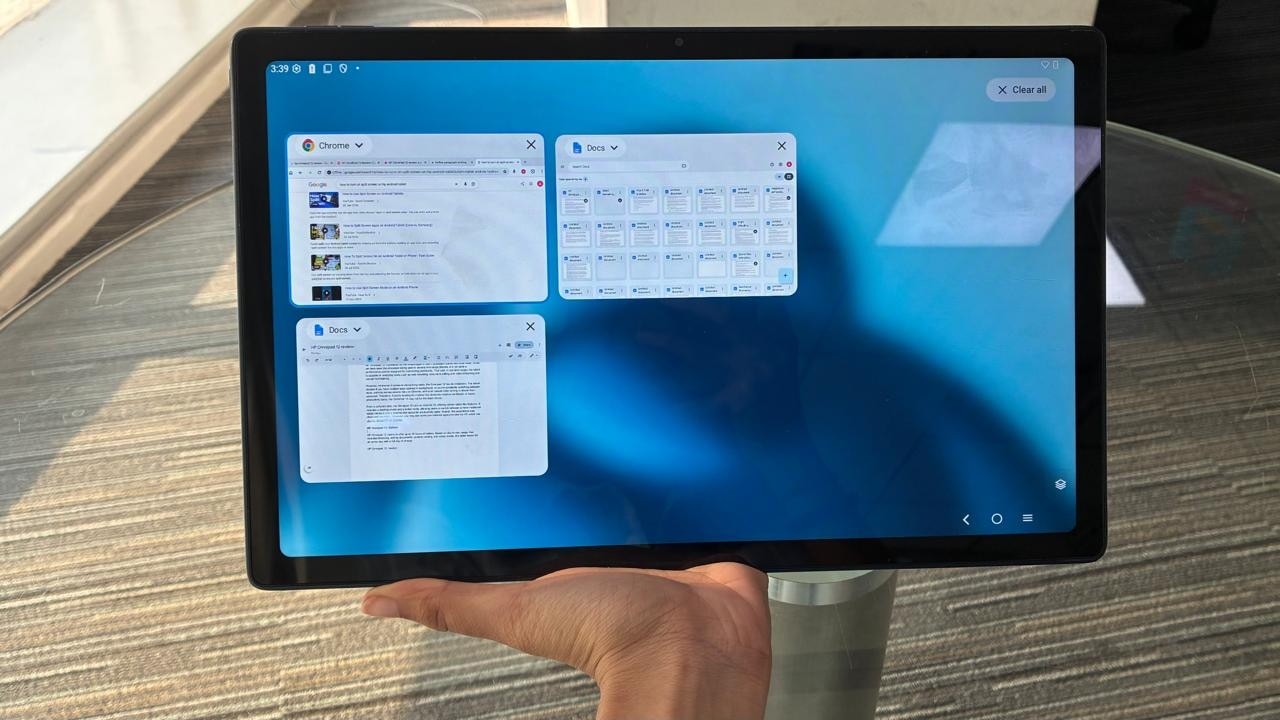
When we think of productivity-focused devices, a heavy and bulky laptop is often the first thing that comes to mind. However, powerful performance and portability often come at a premium price. As consumers become more aware of their electronics purchases, the demand for sleek, compact devices that can handle everyday productivity tasks without breaking the bank is growing. But what if you could get the best of both worlds: a device that combines performance, portability, and affordability? Enter HP’s new OmniPad 12, designed for users who need to multitask on the go without carrying the weight of a traditional laptop. The question is, can it deliver a laptop-like productivity experience in a more compact form factor?
Must read: iPad Air M4 review: Powerful, polished and surprisingly sensible

 Finance ministry weighs options on LTCG tax, decision likely in Union Budget 2027-28
 ‘Don’t panic’: Raghuram Rajan says govt should not deplete reserves to defend rupee
 AI impact: Microsoft offers buyouts to 60,000 employees in India, US and other countries. Details here
 Varun Beverages shares set for second straight year of losses; price targets and more
 83% say savings won't last a year without income: How big should your emergency fund be?
 Piyush Goyal: ‘India Could Become A $30 Trillion Economy In The Next 22 Years’
 How Lula, Israel’s Vote And Trump’s Midterms Could Shape India’s Trade, Defence & Energy
 Arunachal Dam Protests Turn Violent; Centre Deploys 250 RAF Personnel Amid Shutdowns
 Diwali Stock Picks 2026: Top Banking, Consumer, Hotel, Defence And Metal Recycling Stocks To Watch
 Apple's iPhone Duo Craze: We Asked Buyers What Makes It Special

 Maruti Suzuki Q2 profit falls 26% to Rs 2,466 crore; revenue rises 26%
 Bajaj Auto Q2 earnings: Revenue hits Rs 20,000 crore mark for first time, net profit rises 35%
 Suzlon shares concall date for Q2 results; check day, date, time, preview, targets & more
 Mazagon Dock shares tumble 13% from day's high as Q2 profit tanks 54%Varun Beverages shares set for second straight year of losses; price targets and more
 ‘Qaatil nahi… aashiq hoon’: Shah Rukh Khan unveils fierce ‘King’ poster, show his brutal yet romantic avatar ahead of December 24 release
 Diwali investment: Want to buy digital gold this Dhanteras? BharatPe offers 5% extra gold to eligible buyersMaruti Suzuki Q2 profit falls 26% to Rs 2,466 crore; revenue rises 26%
 CBIC clarifies GST registration rules; to benefit those operating from co-working spacesBajaj Auto Q2 earnings: Revenue hits Rs 20,000 crore mark for first time, net profit rises 35%