
Instagram finally lets you edit Stories after posting! But there's a 15-minute catch
Instagram now lets users edit Stories within 15 minutes of posting without losing views or replies. Learn how to change text, music and stickers using the new Edit Story feature.
- Nov 22, 2026,
- Updated Nov 22, 2026 6:30 AM IST

- 1/5
Editing surprise
Posted an Instagram Story and immediately spotted an embarrassing mistake? You no longer need to delete it! Instagram has introduced a feature that allows users to edit Stories even after publishing them. According to Instagram chief Adam Mosseri, users can correct text, change music, adjust stickers and modify drawings without uploading the Story again. The update addresses a long-standing frustration for Instagram users. But there's one major catch: the editing option disappears much sooner than you might expect.
- 2/5
Fifteen minutes
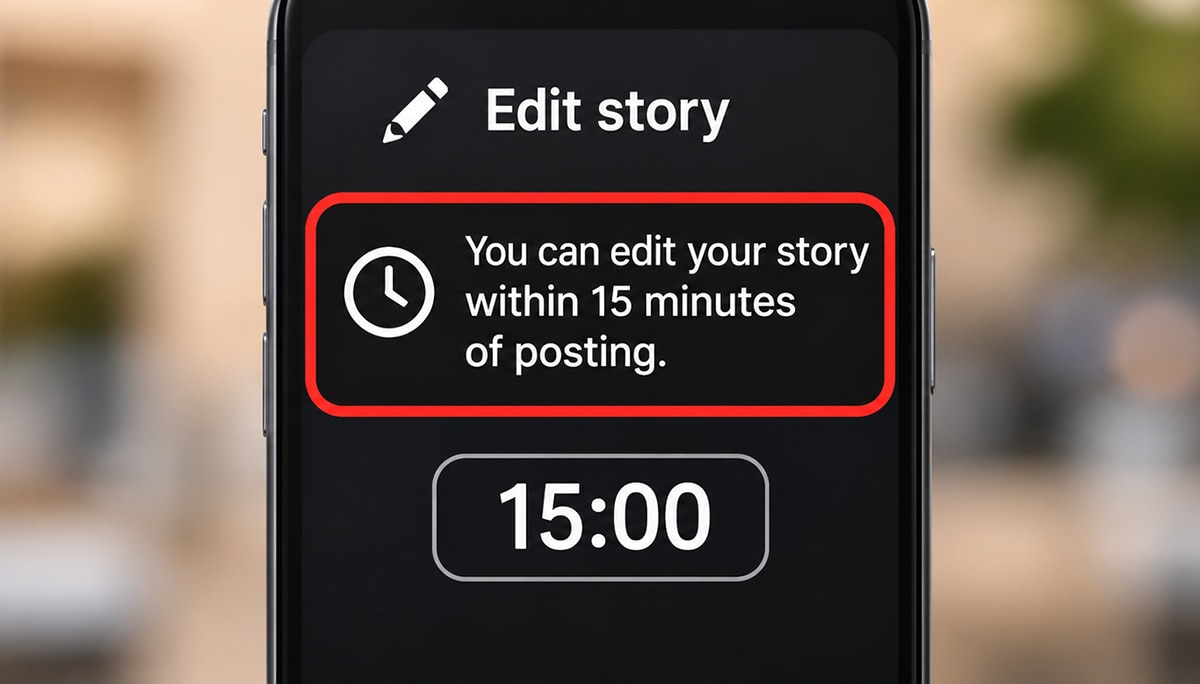
Just 15 minutes to fix your Instagram Story! The new editing feature comes with a strict time limit, allowing users to modify published Stories only within the first 15 minutes. Whether you've made a spelling mistake, selected the wrong song or forgotten a sticker, the correction must happen quickly. Once the editing window closes, the new option is no longer available. For creators and businesses sharing time-sensitive content, this short window could make a big difference. But Instagram has also addressed another major problem associated with editing Stories.
- 3/5
Engagement saved
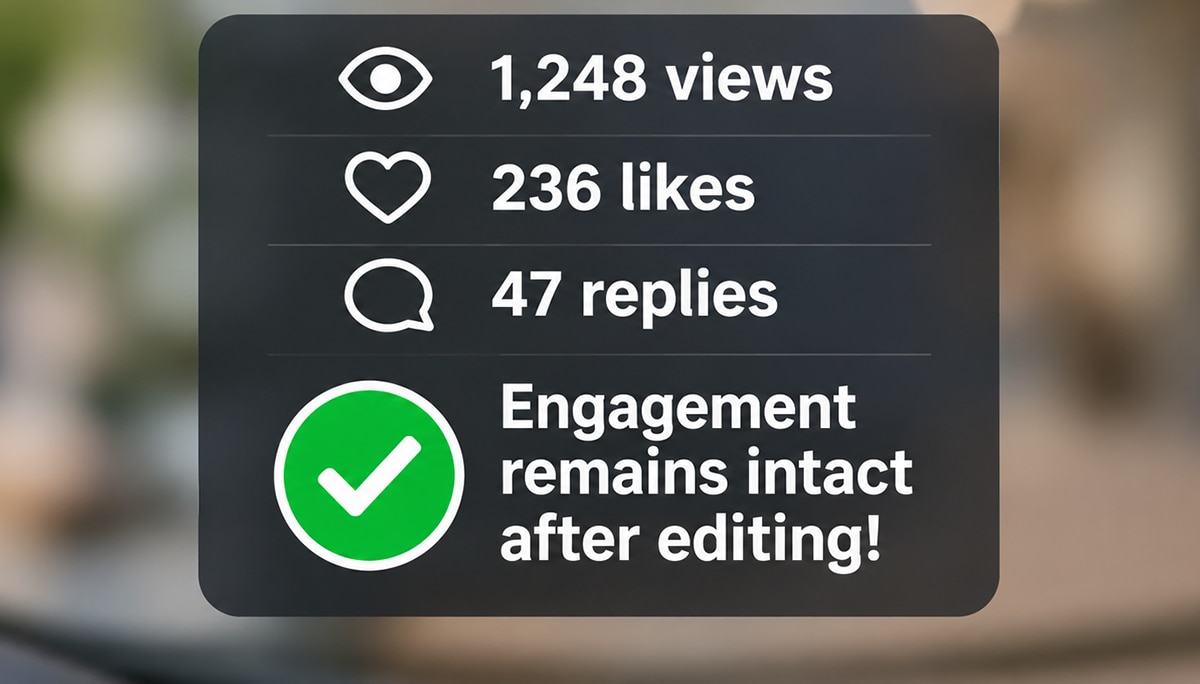
Edit your Instagram Story without losing a single existing view, like or reply! Previously, correcting a published Story meant deleting it and uploading a new one, wiping out the engagement collected on the original. Instagram's new update changes that. Users can now fix mistakes while keeping the Story's existing interactions intact. According to Adam Mosseri, this was among the most requested improvements. The feature could be especially useful for influencers, businesses and social media managers. But how exactly do you edit a Story after posting it?
- 4/5
Hidden button
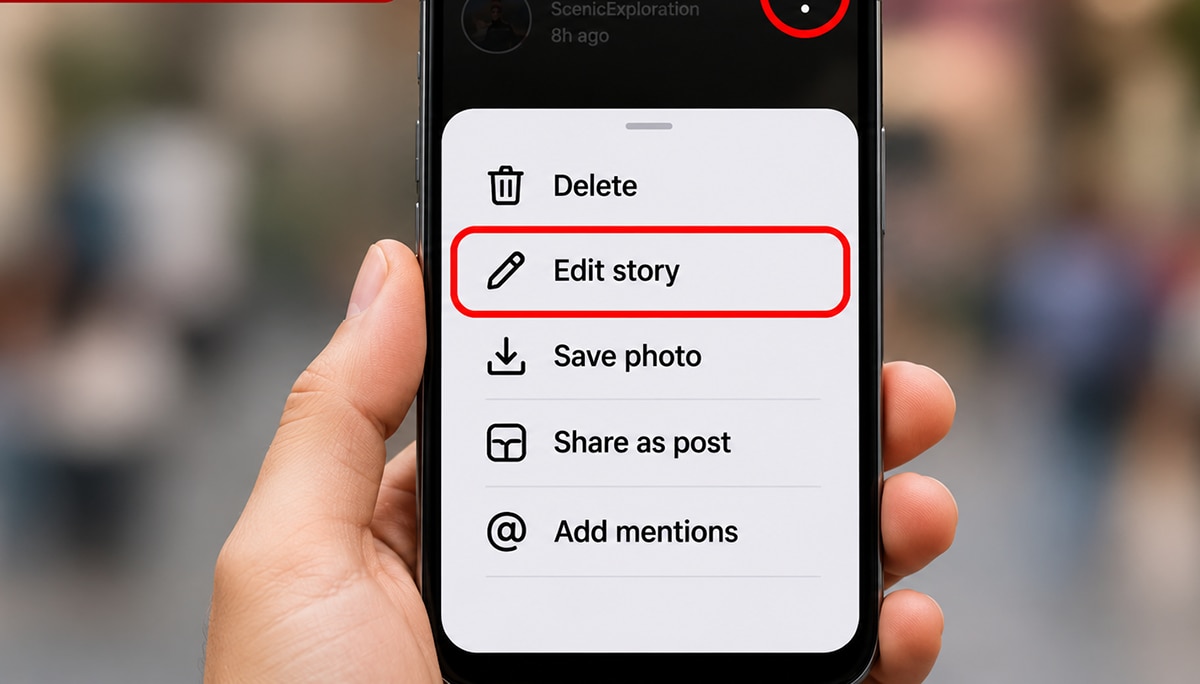
A new editing option is hiding inside Instagram's familiar three-dot menu! To change a published Story, users need to open it, tap the three dots at the bottom-right corner and select 'Edit Story'. They can then adjust text, music, stickers or drawings without deleting the original content. Once edited, the Story displays an 'Edited' label, letting viewers know that changes have been made. However, this option is available only during the 15-minute editing window, so users need to act quickly.

- 5/5
Creative makeover
New stickers, fresh backgrounds and easier photo selection! Instagram's latest update goes beyond editing published Stories. The platform is introducing stickers with additional fonts, colours and shapes, alongside a redesigned sticker selector. Users will also get improved options for selecting multiple photos and creating layouts. Instagram is adding blur effects and gradient backgrounds to make images fit better within Story frames. Together, these changes give users more ways to customise their content. But the biggest improvement remains the ability to correct mistakes without starting from scratch.