
No branch visit: Here’s how to change your bank-linked mobile number
Changed your mobile number? You may not need to visit a bank branch. Here's how internet banking or mobile apps can help update your registered number and complete verification.
- Oct 2, 2026,
- Updated Oct 2, 2026 6:15 AM IST
- 1/5
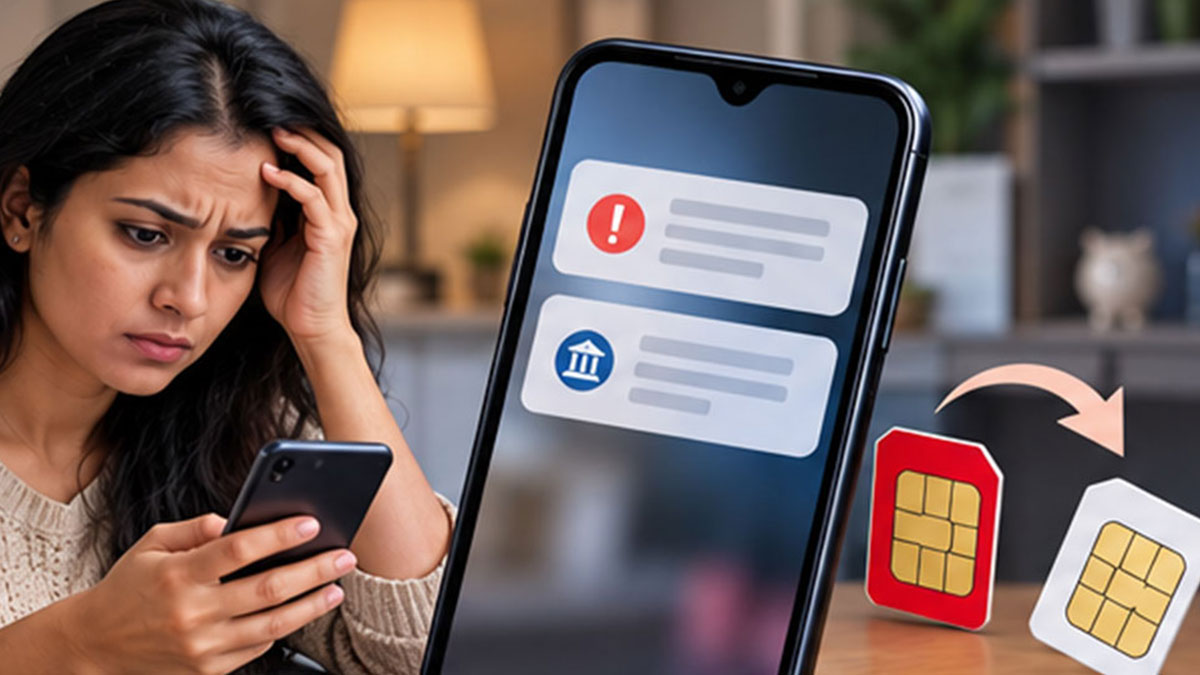
Number Trouble
A disconnected, lost or outdated mobile number can quietly create problems with your banking. Transaction alerts and OTPs may continue to depend on the number registered with your account, making a simple SIM change something you should not ignore.

- 2/5
Branch Escape
Changing your registered mobile number does not always mean taking time out to visit a bank branch. If your bank supports the facility, internet banking can let you update your contact details from home after completing the required verification.

- 3/5
Online Route
The process is usually buried inside familiar banking menus rather than presented as a separate service. Once logged into Net Banking, customers may find the option under Profile, Personal Details or Contact Information, depending on the bank.

- 4/5
App Shortcut
Your bank's mobile app could offer another route to update the number without stepping outside. After logging in, check Profile, Settings or Personal Details for a Mobile Number Update option and follow the verification steps shown by the bank.

- 5/5
Verification Catch
The new number cannot simply be typed in and accepted everywhere. Depending on the bank, customers may have to complete verification using an OTP, their old number, debit card details or another authentication method before the change takes effect.