
Aadhaar linking: How to link Aadhaar with bank account
Apart from an important KYC document, Aadhaar has become important for availing a host of social welfare schemes like direct credit of subsidies from government on LPG, Kerosene, sugar, pension, scholarship etc.
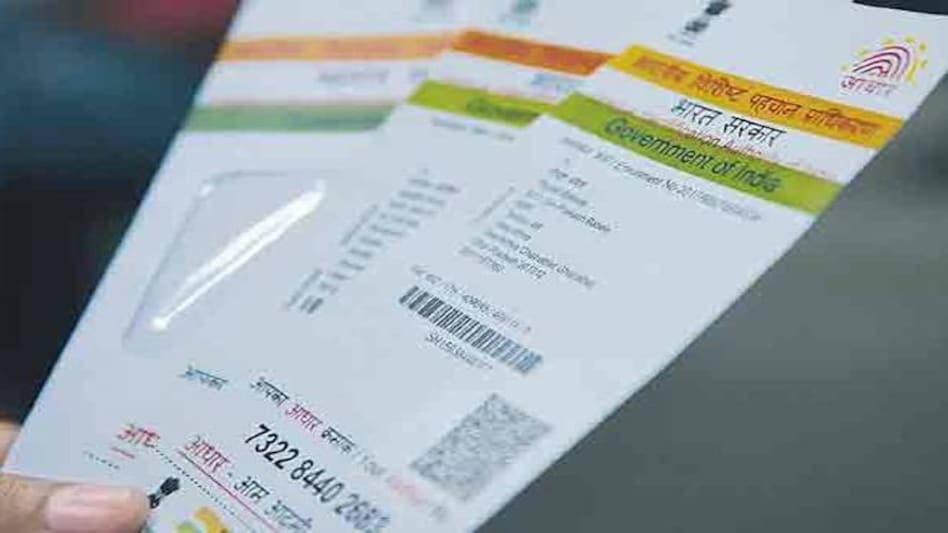
- Sep 8, 2017,
- Updated Sep 8, 2017 4:17 PM IST
"Dear Customer, as per a Government of India mandate (under Prevention of Money Laundering Rules, 2005), all bank accounts must be linked with Aadhaar. Since your Bank account xxxxxxxxxx0000 is not linked with Aadhaar, please do so at the earliest to avoid any inconvenience. Please note that the last date for updating Aadhaar is 31st December 2017 post which accounts not linked with will become inoperative to comply with the guidelines."
As a bank customer, you must have got this message recently from your bank for linking your bank account with your Aadhaar. Apart from an important KYC document, Aadhaar has become important for availing a host of social welfare schemes like direct credit of subsidies from government on LPG, Kerosene, sugar, pension, scholarship etc. But that is till December 31. If after that your bank account is not linked to Aadhaar, your account will be made inoperational and will not be able to avail any services. Before it slips your mind, make sure you link your bank account and Aadhaar as early as possible. Here's how you can confirm the same and link the two.
Steps to verify Aadhaar-Bank account linkage
1. Visit the Aadhaar website - www.uidai.gov.in
2. Click on 'Check Aadhaar & Bank Account Linking Status
3. Enter your Aadhaar number and security code. Once submitted, an OTP will be sent to your mobile number registered in the Aadhaar database.
4. Enter the OTP and click on 'Login'
5. On successful login, the website shows whether your Aadhaar number is successfully mapped or not.
Verify through SMS
1. Dial *99*99*1#
2. Enter your 12 digit Aadhaar number
3. Confirm that the digits entered by you is correct
4. On confirmation, it will show you the bank account linked with Aadhaar
How to link your bank account with Aadhaar
If your bank account is not linked with Aadhaar, you can link Aadhaar with your bank account in three ways-Net banking, SMS, or through branch.
To link it through net banking, all you have to do is log into your bank account, click on the link that says "Aadhaar Seeding Option''. Enter your Adhaar number. This will show you a screen with a transaction number and the number of days required to complete it. When it is done, you get an alert from your bank saying it is complete.
You can link through SMS too. If your mobile number is registered with the bank, then you have to send UID (Space) Aadhaar number (Space) to the bank via SMS. When it gets linked, you will get an SMS alert about it.
You can also link your Bank account with Aadhaar by visiting the bank branch. Give a photocopy of your Aadhaar card to the bank representative. After necessary verification, the account will be linked and customer would be informed via SMS
"Dear Customer, as per a Government of India mandate (under Prevention of Money Laundering Rules, 2005), all bank accounts must be linked with Aadhaar. Since your Bank account xxxxxxxxxx0000 is not linked with Aadhaar, please do so at the earliest to avoid any inconvenience. Please note that the last date for updating Aadhaar is 31st December 2017 post which accounts not linked with will become inoperative to comply with the guidelines."
As a bank customer, you must have got this message recently from your bank for linking your bank account with your Aadhaar. Apart from an important KYC document, Aadhaar has become important for availing a host of social welfare schemes like direct credit of subsidies from government on LPG, Kerosene, sugar, pension, scholarship etc. But that is till December 31. If after that your bank account is not linked to Aadhaar, your account will be made inoperational and will not be able to avail any services. Before it slips your mind, make sure you link your bank account and Aadhaar as early as possible. Here's how you can confirm the same and link the two.
Steps to verify Aadhaar-Bank account linkage
1. Visit the Aadhaar website - www.uidai.gov.in
2. Click on 'Check Aadhaar & Bank Account Linking Status
3. Enter your Aadhaar number and security code. Once submitted, an OTP will be sent to your mobile number registered in the Aadhaar database.
4. Enter the OTP and click on 'Login'
5. On successful login, the website shows whether your Aadhaar number is successfully mapped or not.
Verify through SMS
1. Dial *99*99*1#
2. Enter your 12 digit Aadhaar number
3. Confirm that the digits entered by you is correct
4. On confirmation, it will show you the bank account linked with Aadhaar
How to link your bank account with Aadhaar
If your bank account is not linked with Aadhaar, you can link Aadhaar with your bank account in three ways-Net banking, SMS, or through branch.
To link it through net banking, all you have to do is log into your bank account, click on the link that says "Aadhaar Seeding Option''. Enter your Adhaar number. This will show you a screen with a transaction number and the number of days required to complete it. When it is done, you get an alert from your bank saying it is complete.
You can link through SMS too. If your mobile number is registered with the bank, then you have to send UID (Space) Aadhaar number (Space) to the bank via SMS. When it gets linked, you will get an SMS alert about it.
You can also link your Bank account with Aadhaar by visiting the bank branch. Give a photocopy of your Aadhaar card to the bank representative. After necessary verification, the account will be linked and customer would be informed via SMS