
Apple Pay launches in India: The Axis Bank cards, older iPhones and setup steps you should check before paying
Apple Pay has launched in India with eligible Axis Bank credit cards. Check supported iPhones, learn the Wallet setup and tap-to-pay steps, and see what to do if your device goes missing.
- Oct 1, 2026,
- Updated Oct 1, 2026 1:58 PM IST
- 1/6
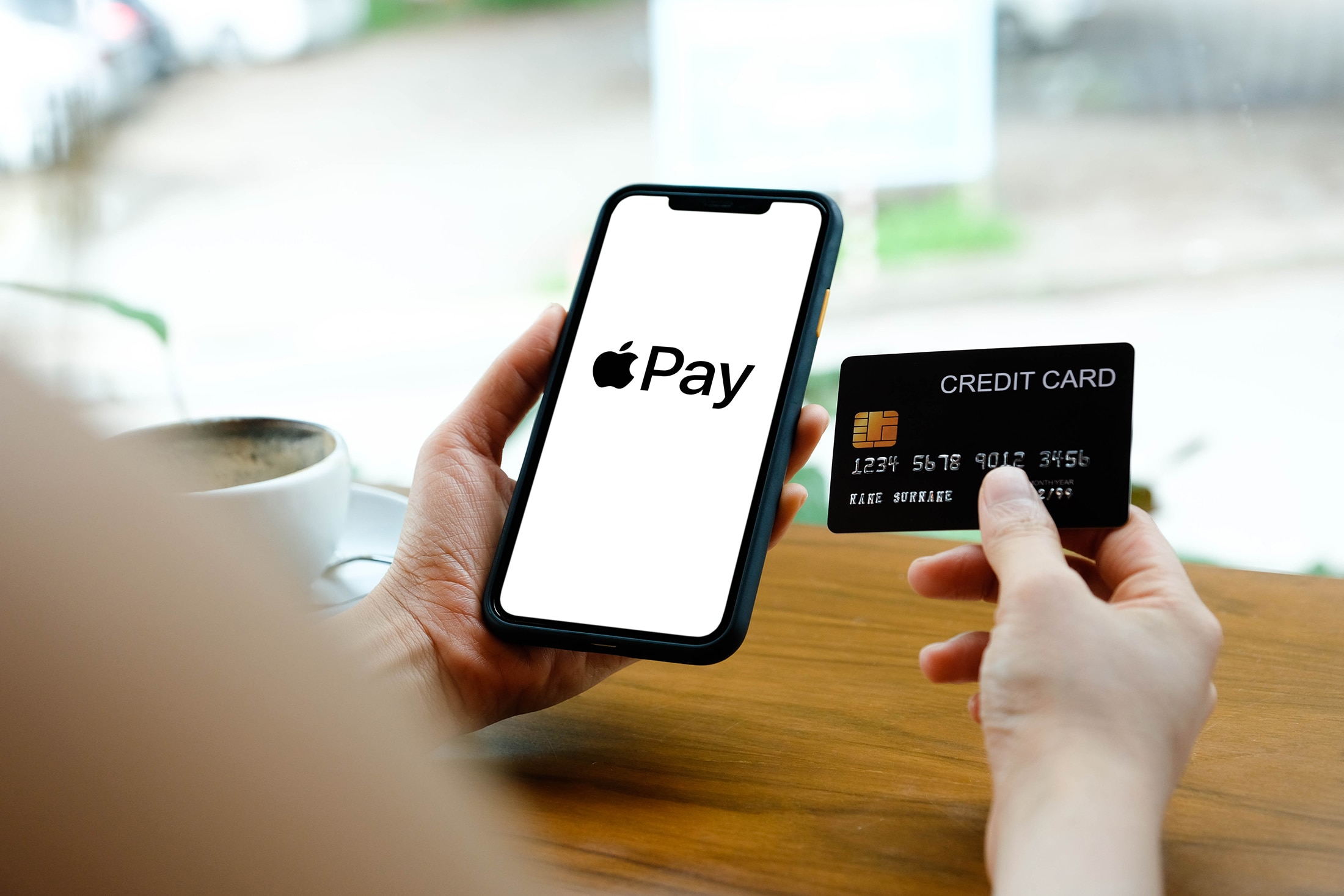
Apple launched Apple Pay in India on September 30. Initial support covers Axis Bank-issued Visa and Mastercard credit cards. Owning an iPhone alone does not establish eligibility: the card you add must be supported.
- 2/6
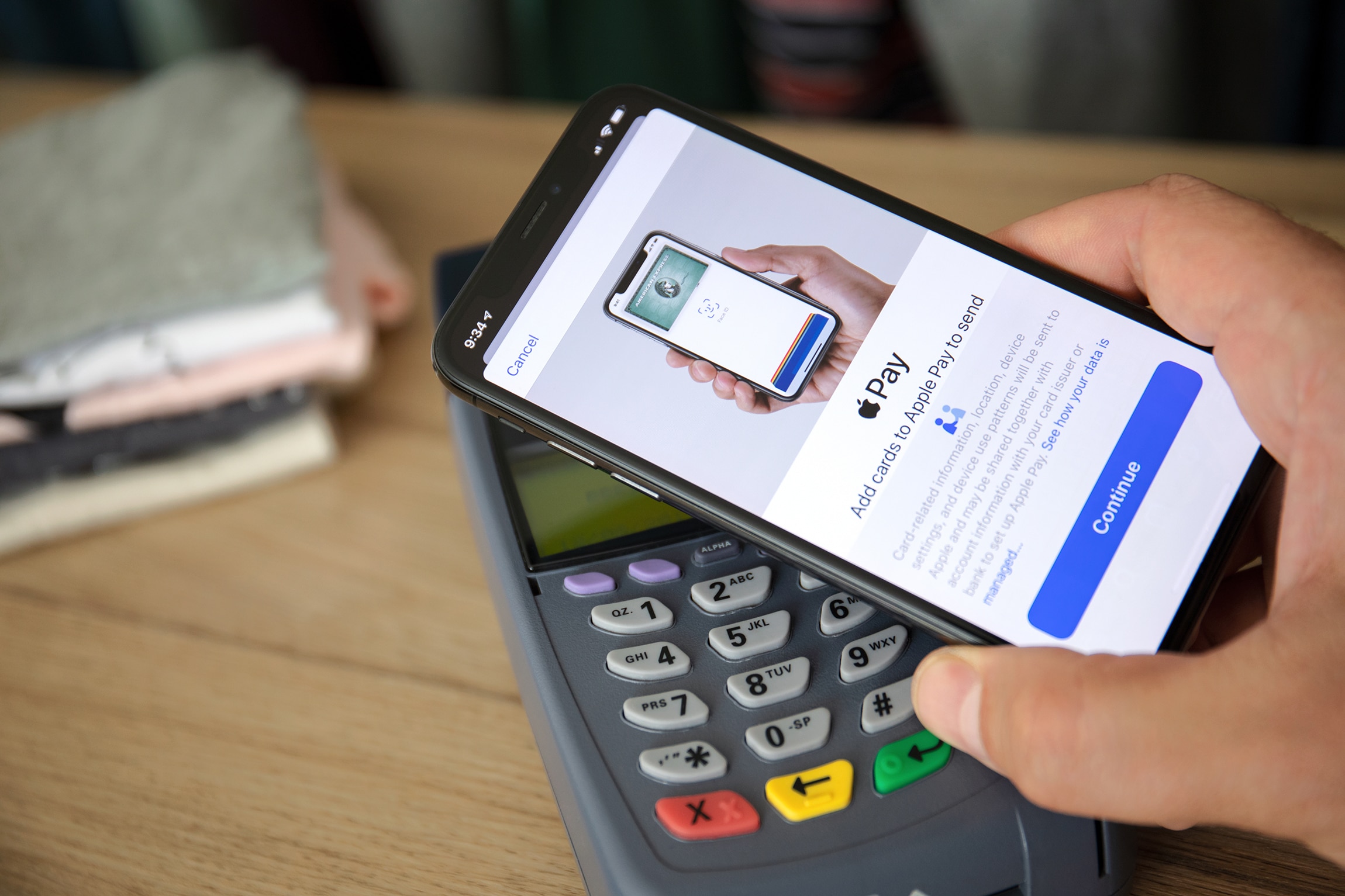
Apple’s India announcement specifies iPhone XR or later with iOS 18 or later. Apple Watch support starts with Series 6 running watchOS 11 or later, paired with an iPhone XR or later. Check both hardware and software.
- 3/6
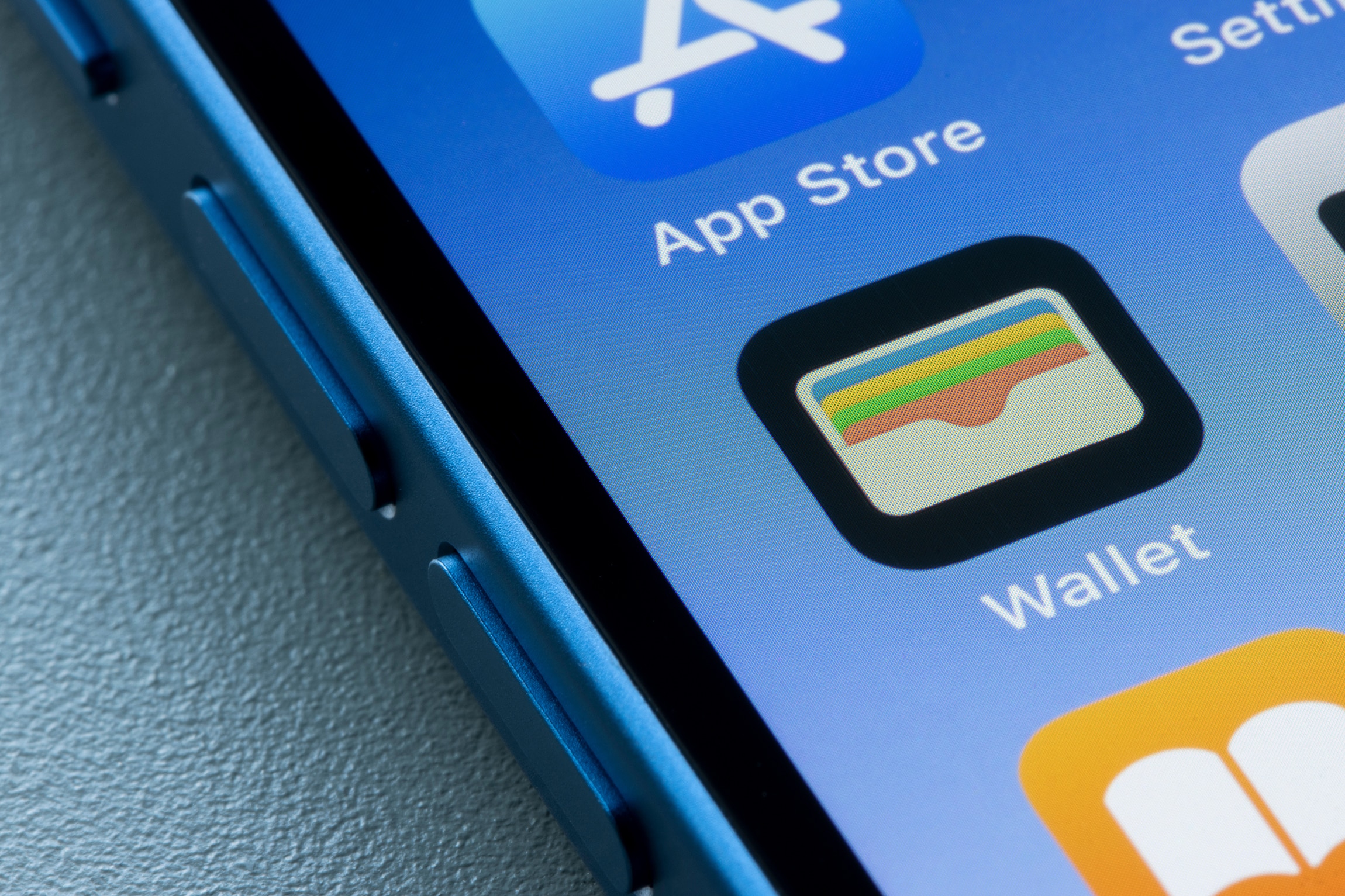
Open Wallet, tap the plus button and follow the instructions to add an eligible card. Apple also supports adding the card through the latest Axis Bank app. Complete the setup before attempting your first purchase.

- 4/6
Double-click the appropriate side or Home button, authenticate as prompted and hold the iPhone or Apple Watch near the contactless reader. The India launch concerns supported card payments; it should not be presented as universal UPI QR-code support.
- 5/6
Apple says payments use a device-specific number and a unique transaction code, keeping the actual card number from merchants. Face ID, Touch ID or the device passcode protects authorisation on the iPhone.
- 6/6
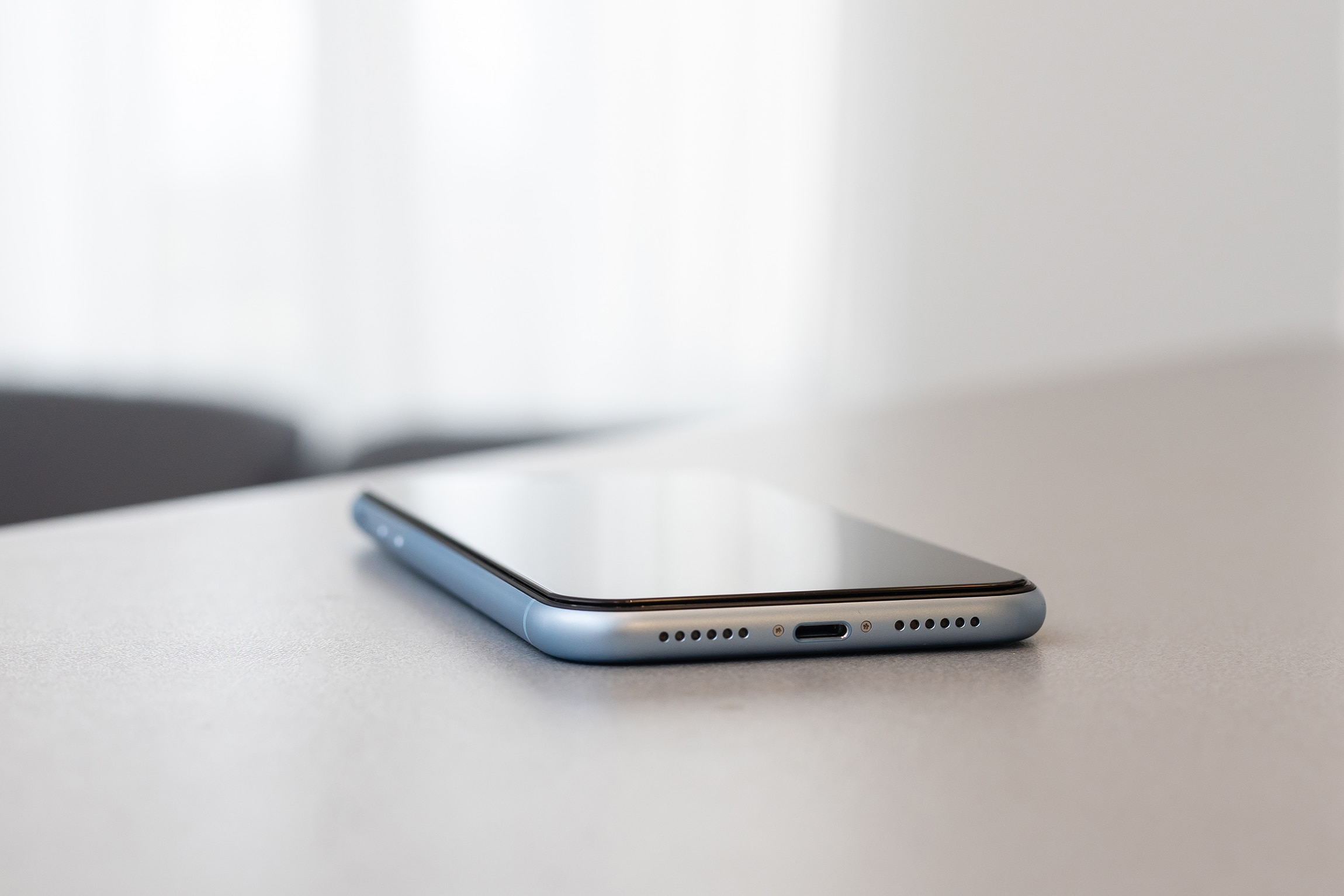
Apple’s India guidance says Find My’s Lost Mode suspends Apple Pay. Payment cards can also be removed remotely. This is a useful step to know before relying on your phone for routine shopping.