
Windows users, save these: 5 keyboard tricks that could change how you work
Five useful Windows keyboard shortcuts can help you recover closed tabs, access clipboard history, take screenshots, manage windows and work faster without a mouse.
- Aug 24, 2026,
- Updated Aug 24, 2026 6:15 AM IST
- 1/6
Clipboard vault
Copy-paste has a hidden upgrade many Windows users may never touch. Press Windows Key + V and Clipboard History can bring up previously copied text and images, letting you retrieve an earlier item instead of losing it the moment something new is copied.

- 2/6
Desktop vanish
A laptop screen buried under browser tabs, folders and apps can be cleared in a second. Windows Key + D minimises all open windows and takes you straight to the desktop. Press it again and the windows return, saving you from clicking through them one by one.

- 3/6
Screenshot sniper
Forget taking a full-screen screenshot only to crop it later. Windows Key + Shift + S activates the Snipping Tool, allowing you to capture precisely the section you need. The selected image lands on the clipboard, ready for a document, chat or email.
- 4/6
Tab resurrection
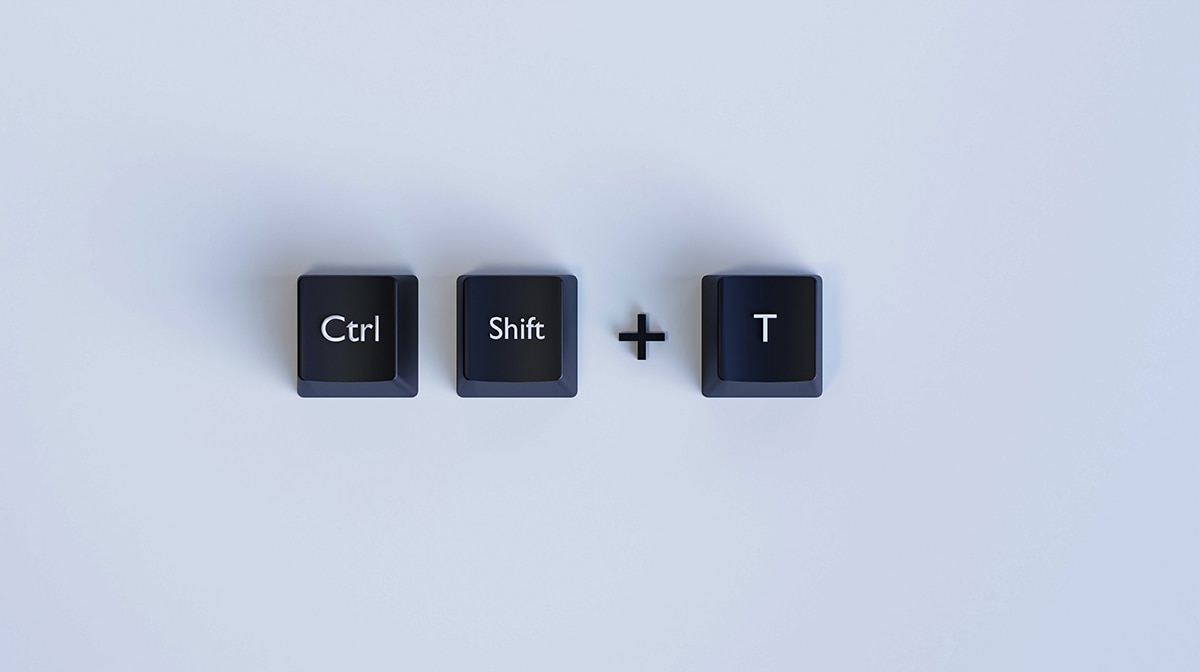
Accidentally killed the browser tab containing something important? Ctrl + Shift + T can bring the most recently closed tab back almost instantly. Keep pressing the shortcut and additional recently closed tabs can return one after another, potentially saving a frantic search through browsing history.
- 5/6
Screen divide
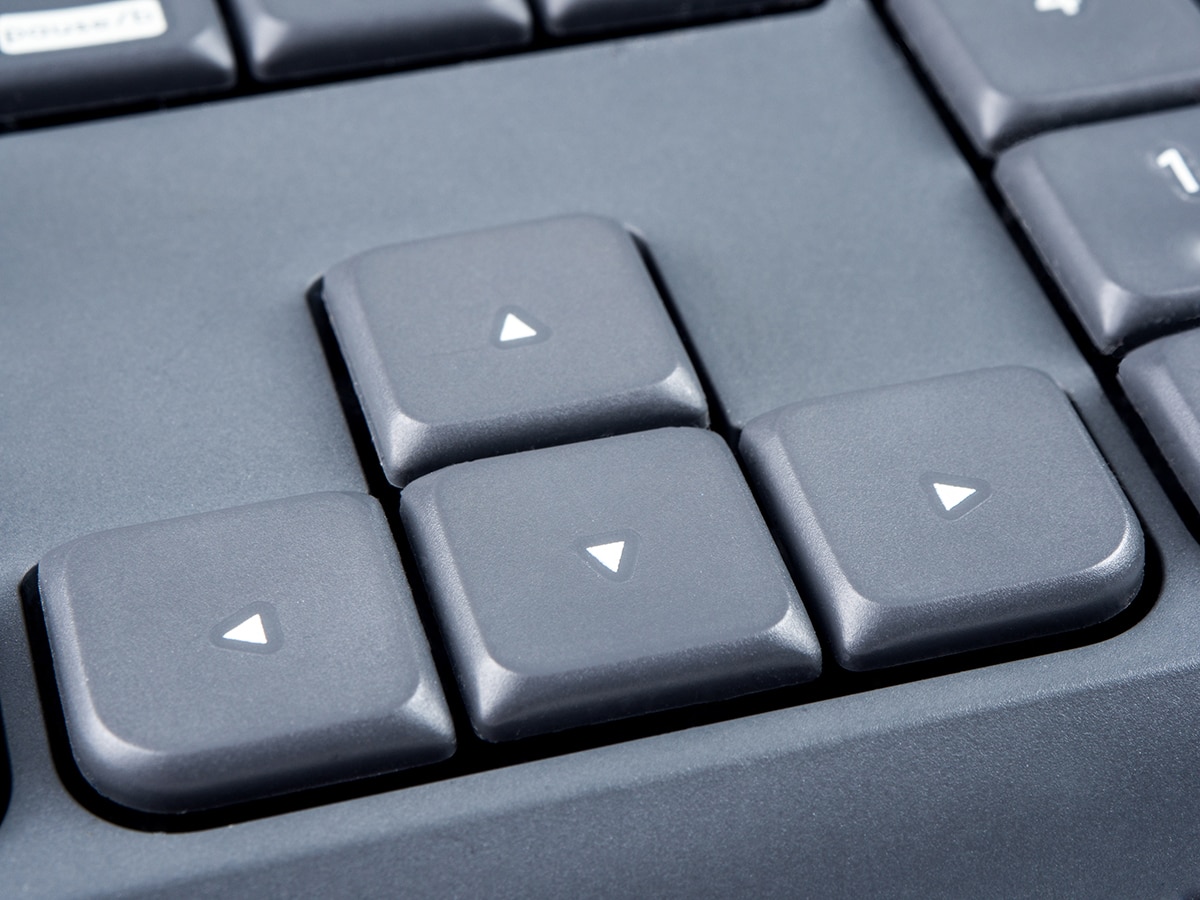
Working between a document and a browser does not have to become an endless Alt-Tab routine. Windows Key + Left Arrow or Right Arrow snaps the current window to half the screen, leaving the other half available for another window and making side-by-side work far easier.

- 6/6
Mouse detox
These shortcuts reveal just how many routine laptop actions can be completed without reaching for the mouse. From recovering copied material and closed tabs to capturing screenshots and arranging windows, five simple combinations can make everyday Windows work noticeably smoother.