
Dibrugarh University B.A, B.Com, B.Sc results declared; check results on dibru.ac.in
Dibrugarh University B.A, B.Com, B.Sc results declared; check results on dibru.ac.in
However, due to high volume of traffic, there are chances that the site would go slow for some time.
BusinessToday.In
- Jul 10, 2017,
- Updated Jul 10, 2017 12:38 PM IST
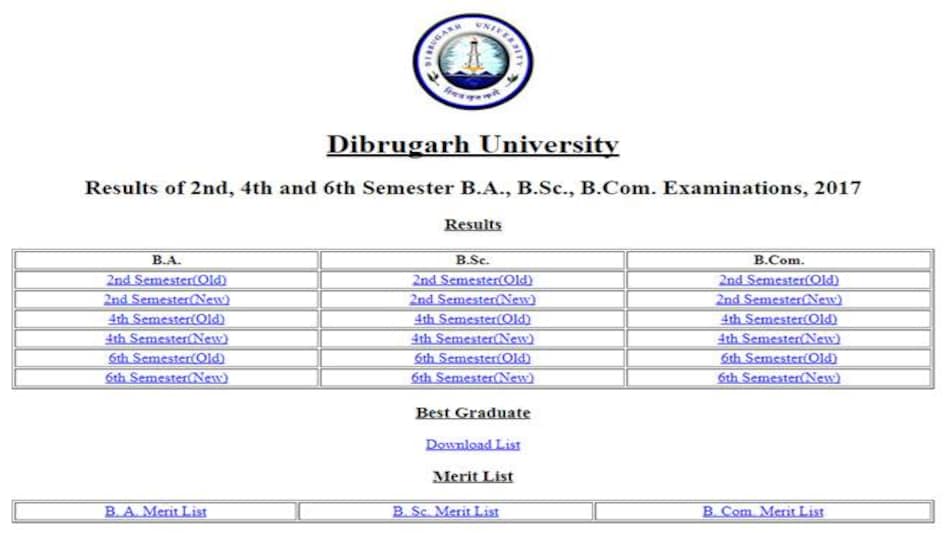
The results of Dibrugarh University have been declared. Students who had appeared second, fourth and sixth semester under graduate examinations of courses- B.A, B.Sc and B.Com respectively can check their results on the official website at dibru.ac.in.
Students can download their score card directly from the website. Here's a step by step guide of the same.
Advertisement
- Students are required to log on to dibru.ac.in.
- On the home page, click on B.A, B.Sc, B.Com May Result 2017,
- After which a new tab will open, which will ask the candidate to fill their roll number and date of birth.
- After filling the required fields, candidates have to click the submit button which will lead them to a page from where they download their score card.
The results of Dibrugarh University have been declared. Students who had appeared second, fourth and sixth semester under graduate examinations of courses- B.A, B.Sc and B.Com respectively can check their results on the official website at dibru.ac.in.
Students can download their score card directly from the website. Here's a step by step guide of the same.
Advertisement
- Students are required to log on to dibru.ac.in.
- On the home page, click on B.A, B.Sc, B.Com May Result 2017,
- After which a new tab will open, which will ask the candidate to fill their roll number and date of birth.
- After filling the required fields, candidates have to click the submit button which will lead them to a page from where they download their score card.
Read more!