
Coin on your Wi-Fi router: Does it actually help boost speed, and what is it for?
A simple coin could be the surprising answer to weak Wi-Fi, according to a viral home hack. But does the trick really work?
- Aug 13, 2026,
- Updated Aug 13, 2026 9:00 AM IST
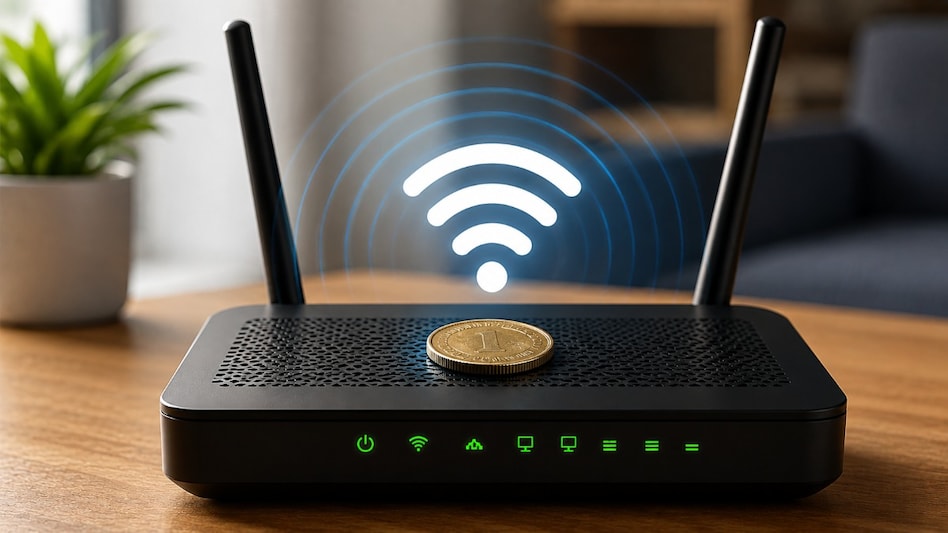
If your home Wi-Fi has been acting up, you may have come across a surprisingly simple fix online - place a coin on top of your Wi-Fi router. The claim is that the small piece of metal can somehow redirect the router’s signal and improve internet speed or coverage.
It sounds too simple to be true, but there is some science behind the idea. Wi-Fi signals are radio waves, and metal can interact with electromagnetic waves. So, could an ordinary coin actually help improve your connection?
Why are people putting coins on routers?
The viral trick is based on the idea that a coin can act as a reflector for Wi-Fi signals. By placing it in a particular position on the router, the metal could theoretically redirect some of the radio waves towards a specific area of your home.
Must Read: Forgot your power bank? Your phone can be charge using another phone; Here’s how
Metal surfaces can indeed reflect radio waves. However, the way a metal object interacts with a wireless signal depends on factors including its size, shape, position and the frequency being used.
That means a random coin sitting on a router is very different from a properly designed antenna or reflector engineered for specific Wi-Fi frequencies.
Could putting a coin on your router cause problems?
Before trying the hack, there is another thing to consider - your router needs to stay cool.
Many routers have ventilation openings to allow heat to escape. Placing objects on top of the device could obstruct airflow, depending on the router's design. Overheating can affect electronic devices and may eventually impact their performance.
So, even if the coin does not deliver the promised signal boost, there is little reason to keep it sitting on your router.
What should you do if your Wi-Fi is weak?
If certain areas of your home consistently have poor connectivity, start with the router itself.
Keep it in a central, elevated and open location, rather than inside a cabinet or tucked away in a corner. Large objects, walls and some electronic devices can interfere with wireless signals.
Must Read: Using free hotel WiFi? Your data could be at risk, Microsoft warns
It is also worth keeping the router away from devices such as microwaves, which can interfere with the 2.4GHz Wi-Fi band. For larger homes or persistent dead zones, a Wi-Fi extender or mesh system can provide a more practical solution.
Does the coin trick actually work?
This is where the viral hack falls short. While metal can interact with radio waves, there is no reliable evidence that simply placing a coin on a Wi-Fi router improves internet speed or meaningfully increases coverage.
If your connection appears faster after trying it, other factors could be responsible, such as temporary network congestion or changes in signal conditions.
So, before experimenting with coins, focus on where you place your router and how your home network is configured. Those factors are far more likely to make a noticeable difference.
For Unparalleled coverage of India's Businesses and Economy – Subscribe to Business Today Magazine
If your home Wi-Fi has been acting up, you may have come across a surprisingly simple fix online - place a coin on top of your Wi-Fi router. The claim is that the small piece of metal can somehow redirect the router’s signal and improve internet speed or coverage.
It sounds too simple to be true, but there is some science behind the idea. Wi-Fi signals are radio waves, and metal can interact with electromagnetic waves. So, could an ordinary coin actually help improve your connection?
Why are people putting coins on routers?
The viral trick is based on the idea that a coin can act as a reflector for Wi-Fi signals. By placing it in a particular position on the router, the metal could theoretically redirect some of the radio waves towards a specific area of your home.
Must Read: Forgot your power bank? Your phone can be charge using another phone; Here’s how
Metal surfaces can indeed reflect radio waves. However, the way a metal object interacts with a wireless signal depends on factors including its size, shape, position and the frequency being used.
That means a random coin sitting on a router is very different from a properly designed antenna or reflector engineered for specific Wi-Fi frequencies.
Could putting a coin on your router cause problems?
Before trying the hack, there is another thing to consider - your router needs to stay cool.
Many routers have ventilation openings to allow heat to escape. Placing objects on top of the device could obstruct airflow, depending on the router's design. Overheating can affect electronic devices and may eventually impact their performance.
So, even if the coin does not deliver the promised signal boost, there is little reason to keep it sitting on your router.
What should you do if your Wi-Fi is weak?
If certain areas of your home consistently have poor connectivity, start with the router itself.
Keep it in a central, elevated and open location, rather than inside a cabinet or tucked away in a corner. Large objects, walls and some electronic devices can interfere with wireless signals.
Must Read: Using free hotel WiFi? Your data could be at risk, Microsoft warns
It is also worth keeping the router away from devices such as microwaves, which can interfere with the 2.4GHz Wi-Fi band. For larger homes or persistent dead zones, a Wi-Fi extender or mesh system can provide a more practical solution.
Does the coin trick actually work?
This is where the viral hack falls short. While metal can interact with radio waves, there is no reliable evidence that simply placing a coin on a Wi-Fi router improves internet speed or meaningfully increases coverage.
If your connection appears faster after trying it, other factors could be responsible, such as temporary network congestion or changes in signal conditions.
So, before experimenting with coins, focus on where you place your router and how your home network is configured. Those factors are far more likely to make a noticeable difference.
For Unparalleled coverage of India's Businesses and Economy – Subscribe to Business Today Magazine