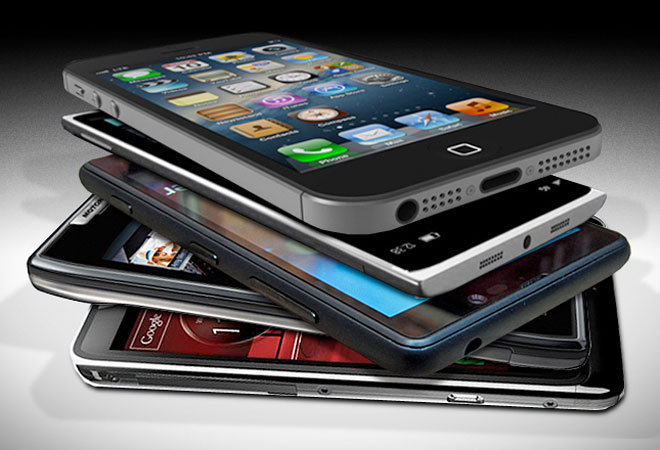
The stiff competition in the smartphone space is forcing everyone from big multinational brands to Indian manufacturers to add fancy features that will make their devices stand out in the crowd. But are these just gimmicks or features that can end up changing the way we use smartphones? Here is our take on a few of them.
1. SMART SCROLL: This is a feature for people who are too lazy to scroll a page with their fingers. Smart Scroll automatically moves the page upwards when your reach the bottom of a page thanks to a combination of eye detection and the angle at which the head or the device is tilted.
GOOD OR BAD? Found on the Samsung Galaxy Note II and S4, this feature takes some practice to master.
2. SMART PAUSE: A lot of people watch videos on the smartphone, but you often have to rewind to watch parts you missed out as you were looking away. Samsung has found a solution with the smart pause feature in its flagship smartphones. This feature, when turned on, detects eye movement and pauses video as you look away. The video resumes playing as soon as you look back.
GOOD OR BAD? A good feature if it works smoothly as on the Samsung Galaxy S4. Irritating if the phone is slow like the Micromax Canvas 4.
3. PHONE NEAR EAR TO DIAL: This software enhancement dials an open contact or the person with who you are having a text conversation as soon as you bring the phone near your ear. No touch required here.
GOOD OR BAD? The feature works. But how difficult is it to dial a call when browsing through a phonebook or while checking a message?
4. BLOW TO UNLOCK: Unlocking a smartphone has never been difficult, but now there is a new way to do it. With the blow to unlock feature, you can bring the device near your mouth and blow up from the bottom of the phone. This feature on Micromax's Canvas 4 actually works, though you need practice to master it - like getting a consistent blow. It also works near a fan or air conditioner.
GOOD OR BAD? Good if you have a wet hand, but will make people stare.
5. FLIP PHONE FOR SPEAKER: The extra-large display sizes of new smartphones often makes it difficult to turn on the speaker with one hand. So this new feature, found in the Micromax Canvas 4, is a great help when you are driving or busy with something else. All you have to do is flip the phone over to switch on to speaker mode.
GOOD OR BAD? This is a useful feature and simple to use.
6. ONE SIDE KEYBOARD: The 5-inch phablets are difficult to manage with one hand, especially if you are trying to type on it. This is why more manufacturers are adding oneside keyboards to make it accessible with a single hand.
GOOD OR BAD? The one-side works if your phone is under 5.5 inches, anything larger and this makes no sense as you can't even hold the phone.
7. HAND WAVE: Waving your hand to mute a call sounded good in 2008 when Sony Ericsson launched this feature in its Z555. Lava has added the same gesture to click images or flip through photographs in the gallery. You need to wave in front of the phone camera for this feature to work.
GOOD OR BAD? A simple swipe is much easier to flip through the image gallery, especially when the wave has a limited success rate.