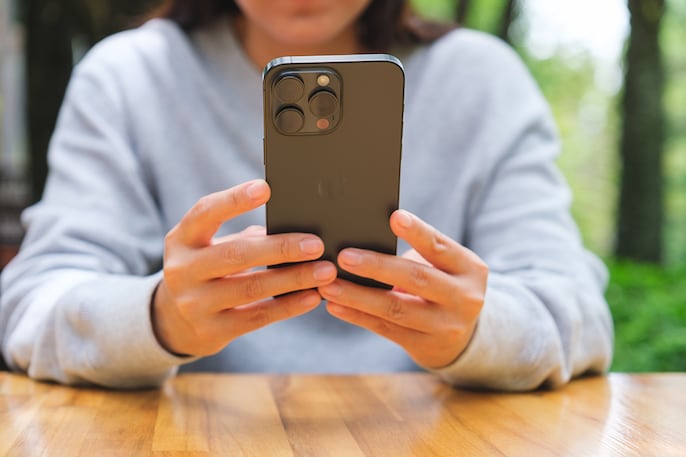
Back Tap
iPhone’s Back Tap lets users execute actions by simply tapping the rear, from taking screenshots to launching apps instantly. It turns everyday device interaction into a frictionless, magical shortcut.

Live Text
Capture text directly from images or the camera app. Copy, paste, translate, or search in real-time, transforming static text into actionable digital intelligence on your iPhone.
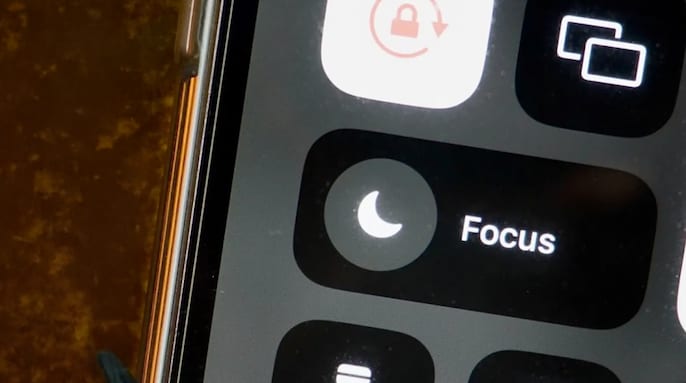
Focus Mode
Control distractions like a pro. Customize notifications per activity—work, sleep, or leisure—ensuring only essential alerts break through while your attention stays laser-focused.
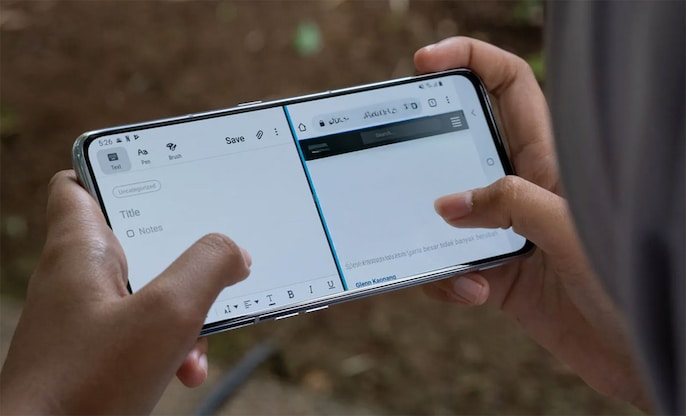
Split Screen
Android split-screen lets you run two apps simultaneously. From streaming while messaging to multitasking like a mobile ninja, this hidden trick elevates productivity instantly.
Screen Pinning
Prevent accidental app exits or unauthorized access. Screen Pinning locks an app to the screen, perfect for lending your phone to someone without risking privacy or app settings.

Gesture Navigation
Swipe, tap, and navigate seamlessly without buttons. Android’s gesture controls make interacting with your phone intuitive and visually clean, turning everyday navigation into a fluid experience.

Picture-in-Picture
Watch videos while browsing, texting, or working on another app. This hidden feature keeps entertainment flowing and productivity intact, giving your multitasking superpowers.
 Gen Z Is Changing Politics? D.K. Shivakumar On Youth Power & Rahul Gandhi’s Outreach
 Babita Singh Reporting, Part-Timers, Bandar & More: 5 OTT Releases To Watch This Weekend
 Using AI To Write? You Could Be Caught! Anthropic's Invisible Watermark Explained
 Shah Rukh, Salman & Madhuri-Backed Pernia’s Pop-Up Shop Parent Eyes ₹680 Cr IPO
 Explained: How China Is Using Old Chips, New Designs And Robots To Beat The Blockade