


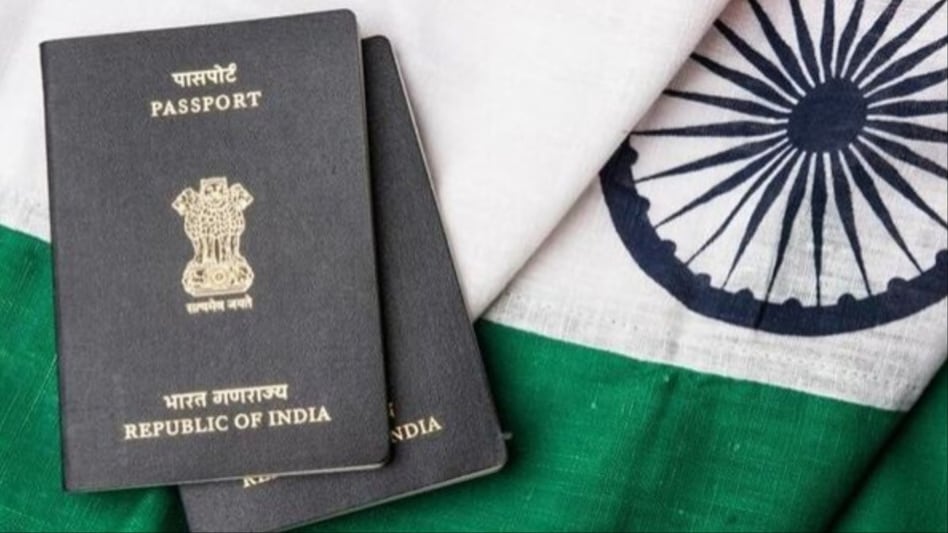
A passport is an essential document that verifies the identity and nationality of its holder, allowing for international travel for various purposes, including leisure, business, and education. To ensure a smooth travel experience, it is crucial that individuals maintain the validity of their passports.
For Indian citizens, a passport is valid for ten years from the date of issuance, after which it must be renewed. Renewal can be initiated up to three years after the passport has expired or one year before its expiration date.

 'Majority among two is two': Tata Trusts says Chandrasekaran reappointment failed AoA condition, has no legal effect
 ICAI plans further reforms to scale up homegrown accounting firms
 'Modi admin has done a phenomenal job': Blackstone's Jon Gray on what changed in India
 West Asia tensions: Iran hands 7 terms to US via Qatar, warns of all-out war if Trump rejects deal
 Tata Trusts hires Abhishek Manu Singhvi as advocate. His first reaction: 'Having worked with Ratan Tata...'
 Gold Price Target 2026: Expert Sees MCX Gold At ₹1.8 Lakh By Year-End Amid Strong Demand
 Health Insurance: Why Pre-Existing Diseases And Waiting Periods Matter For Buyers
 Crude Oil Above $100: How High Energy Prices And Rupee Weakness Impact Gold Prices In India
 CEA On India’s Manufacturing Rise, Atmanirbhar Bharat And Modi’s Economic Policy
 Health Insurance Buying Guide: 7 Things First-Time Buyers Must Check Before Choosing A Policy
 SpaceX weight in Nasdaq 100 to jump to 2.82% following quarterly index rebalance: Report
 Tata Motors or Ashok Leyland? Analyst reveals his preferred auto stock for near-term gains
 Maharashtra Scooters, Dixon Tech, Bharat Dynamics, Jai Corp among stocks to turn ex-dividend on Monday
 Jindal Supreme, SS Retail, Hero Motors IPOs subscribed up to 181 times on final day; details here
 Sensex, Nifty post sixth weekly loss; TCS, Titan among top laggards, slip up to 4%'Majority among two is two': Tata Trusts says Chandrasekaran reappointment failed AoA condition, has no legal effectICAI plans further reforms to scale up homegrown accounting firms
 3-day bank strike from September 28: SBI asks customers to complete key transactions early'Modi admin has done a phenomenal job': Blackstone's Jon Gray on what changed in India
 'Even with flight, it's cheaper': Indians fly to Dubai just to buy iPhone 18 Pro












