








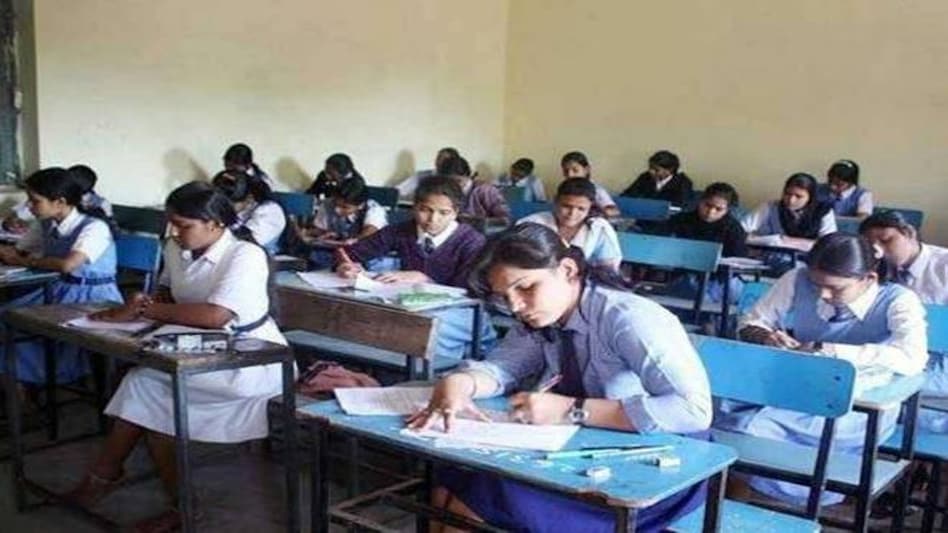
The Nagaland Board of School Education announced the results for HSLC (Class 10) and HSSLC (Class 12) exams on May 30. The class 12 board exams ended in March whereas the class 10 board exams concluded in February this year. The board released the results on its official website, the NBSE app, and also via SMS. Apart from the official website, candidates can also access their results online at nbsenagaland.com and third party websites like indiaresults.com.
Here are the steps to check your NBSE HSLC, HSSLC result 2020 online
Step 1: Visit the official Nagaland board website
Step 2: Click on the 'class 10 results' or 'class 12 results' link on homepage
Step 3: You will be redirected to a new homepage. Login using your roll number
Step 4: Download the PDF version and save it for future use
Here's how to check your result via SMS
The candidates have to type NB10
To get class 12 results via SMS, candidates need to type NB12
Here's how to check your result via app
The students need to download the NBSE app from the Play store. Here, they need to register their roll numbers and date of birth to get results in time.
Nagaland State Board is the second educational board to declare the results of both class 10 and class 12 during the lockdown period as Bihar State Examination Board (BSEB) also released the results for classes 10 and 12 on May 26. After releasing the results, Nagaland will issue provisional marksheets to students starting in June. Last year, the pass percentage stood at 70.19 percent.
Also read: NBSE result 2020 for class 10, class 12 to be declared today; Here's how to check
 NSE IPO may unlock mega gains for billionaire investors RK Damani, Premji
 India-US BTA: Harley Davidson bikes to get 0% duty, gradual tariff reduction on luxury cars
 India-US interim trade agreement: 'No GM modified product allowed, agri sector protected,' says Piyush Goyal
 'Decided to give 0% tariff on some cancer medications, neuro treatment': Piyush Goyal on what US got
 ‘How is this a win?’: Chidambaram slams India-US trade framework as opaque, US-tilted
 BT Golf 2025-26 Kochi, Kerala Awards Ceremony Marks A High-Energy, Successful Conclusion
 Golf Is An Addiction. We Eat And Sleep Golf!
 The Fairway Fixes Everything. Mindset, Life, Relationships
 BT Golf LIVE: Join AU Small Finance Bank Presents BT Golf 2025-26 For Its 4th Leg In Kochi, Kerala
 AI Will Change MBAs, Not Leadership: IMD President On India’s Global Education Rise
 RIL, SBI, Kotak Bank, Kalyan, HAL, BEML, BDL among stocks in focus next week; here’s whyNSE IPO may unlock mega gains for billionaire investors RK Damani, Premji
 SBI Q3 Results: Profit jumps 24% to Rs 21,028 crore; asset quality improves
 IDBI Bank stake sale: Kotak Mahindra Bank says ‘has not submitted a financial bid’
 BDL, Mazagon Dock, MRF, Hindustan Copper, RVNL, others to turn ex-dividend next week