








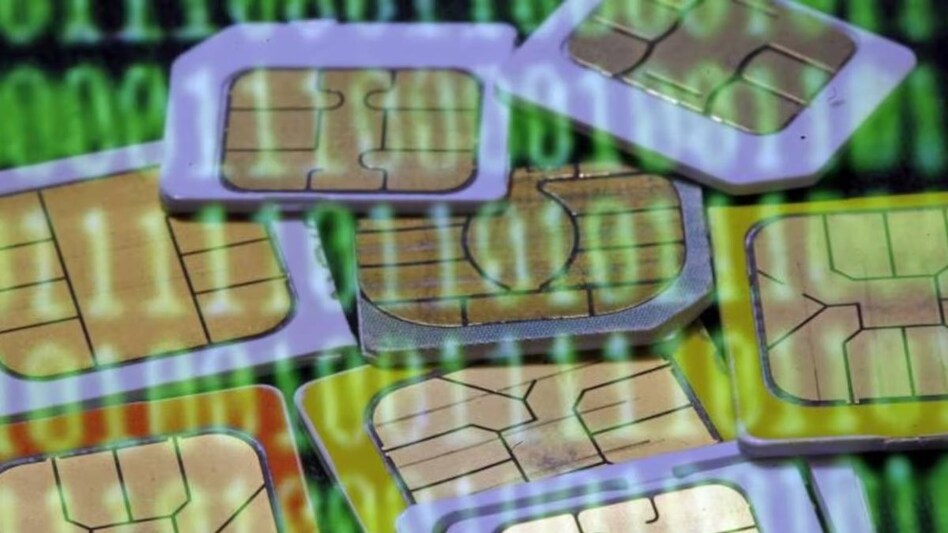
Gopal Vittal, the head of Airtel, is advocating for the adoption of e-SIMs over traditional SIM cards. In a recent email to Airtel customers, Vittal highlighted the numerous benefits of e-SIMs, particularly in terms of security and convenience. He emphasised that e-SIMs offer seamless connectivity, making it effortless to switch between devices.
"Additionally, in instances of theft, if your device gets stolen, it will be that much harder for criminals to get rid of your e-SIM, since they are unlike the traditional SIMs that could be physically removed from phones. This will also make a lost smartphone easier to track," Vittal wrote in an emailed statement to Airtel customers.
Let's take a detailed look at the concept of eSIM, its advantages, and a step-by-step guide on how to enable eSIM on major Indian telecom networks - Airtel, Jio, and Vi.
The term "eSIM" stands for embedded SIM, a technology that integrates the SIM card directly onto the motherboard of a device. Unlike physical nano-SIM cards, eSIMs eliminate the need for a separate SIM card slot. This embedded or digital SIM allows users to activate a cellular plan from their carrier without requiring a physical SIM card. Bharti Airtel, Jio, and Vi are the leading providers of eSIM support on smartphones in India, catering to both Android and iOS users.
Despite its virtual nature, an eSIM functions identically to a traditional SIM card. It stores essential information like the subscriber's identity and network credentials but offers unparalleled flexibility. Users can seamlessly switch between network carriers and plans without the inconvenience of physically swapping SIM cards. The activation process is streamlined, involving just a few taps on the device to grant immediate access to a new network.
Enabling an eSIM is a straightforward process, but the specific steps vary depending on your mobile carrier. The procedure is free of charge, and your existing mobile plan will be transferred to the eSIM. Airtel and Jio offer eSIM support for both prepaid and postpaid plans, while Vi only provides eSIM for postpaid plans.
To activate your eSIM, follow these steps for your respective carrier:
- Airtel: Send an SMS containing "eSIM registered email ID" to 121.
- Vi: Send an SMS containing "eSIM registered email ID" to 199.
- Jio: Send an SMS containing "GETESIM" to 199.
Next:
The QR code scanning procedure differs across smartphones:
-- eSim on Samsung: Open Settings >Connections> SIM Card Manager> Add Mobile Plan> Add Using QR Code.
-- eSim on Apple: Go to Settings > Mobile Data> Add Data Plan.
-- eSim on Pixel: Click on Settings > Network & Internet > Mobile Network > Download a SIM instead > Click on Next >Scan the QR code received by email.
While eSIM offers convenience and eliminates the need for physical SIM cards, it presents challenges for frequent device switchers. Unlike traditional SIM cards that can be easily swapped between devices, eSIMs require a more complex activation process, making it inconvenient to switch between multiple devices regularly.
For Unparalleled coverage of India's Businesses and Economy – Subscribe to Business Today Magazine
 SEBI draws line between listing norms and RBI rules in guidance to PNB
 Cyber attacks, AI misuse and data privacy rules emerge as top boardroom risks for India Inc
 'India has played it pretty safe, deal is very balanced': Top agri economist on India–US trade agreement
 Funding Viksit Bharat: Govt to set up high-level panel to prepare banks for big-ticket growth
 'Uncomfortable subtext is conditionality': Ex-foreign secretary on US monitoring clause for Russian oil
 BT Golf 2025-26 Kochi, Kerala Awards Ceremony Marks A High-Energy, Successful Conclusion
 Golf Is An Addiction. We Eat And Sleep Golf!
 The Fairway Fixes Everything. Mindset, Life, Relationships
 BT Golf LIVE: Join AU Small Finance Bank Presents BT Golf 2025-26 For Its 4th Leg In Kochi, Kerala
 AI Will Change MBAs, Not Leadership: IMD President On India’s Global Education Rise
 RIL, SBI, Kotak Bank, Kalyan, HAL, BEML, BDL among stocks in focus next week; here’s why
 NSE IPO may unlock mega gains for billionaire investors RK Damani, Premji
 SBI Q3 Results: Profit jumps 24% to Rs 21,028 crore; asset quality improves
 IDBI Bank stake sale: Kotak Mahindra Bank says ‘has not submitted a financial bid’
 BDL, Mazagon Dock, MRF, Hindustan Copper, RVNL, others to turn ex-dividend next week