















 Google brings AI Overviews to Gmail.
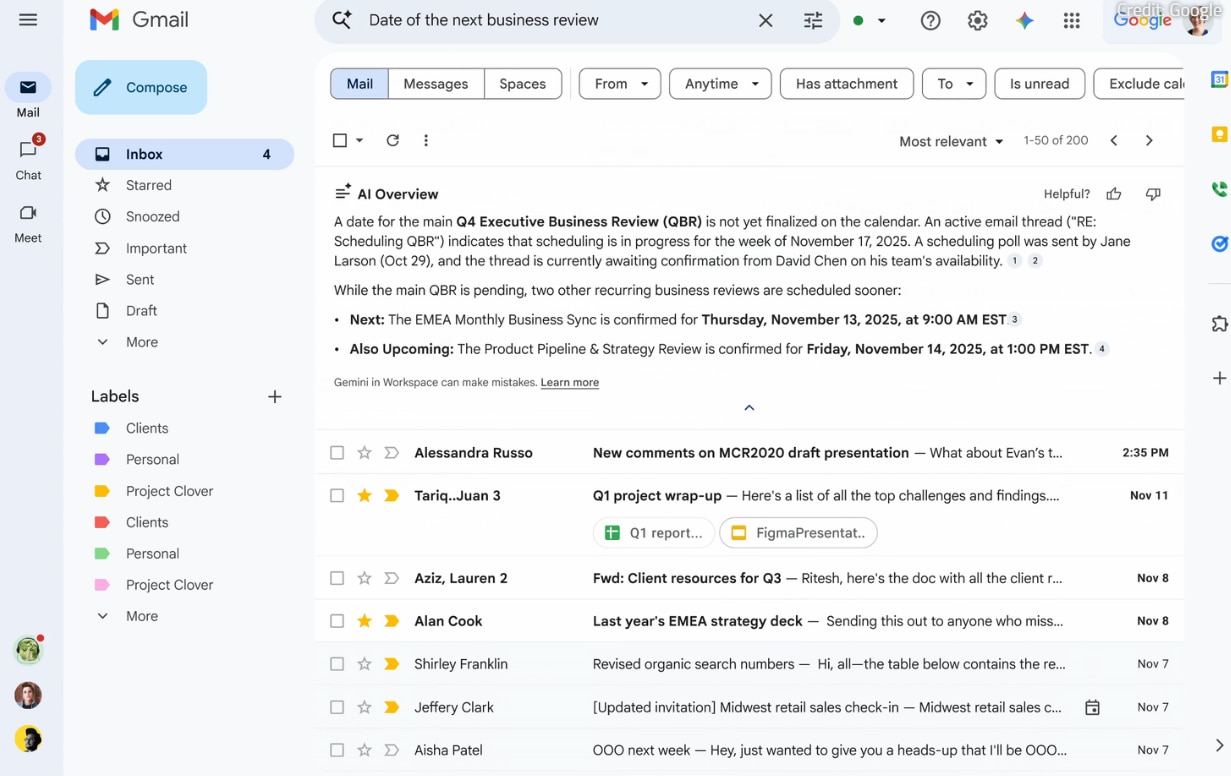
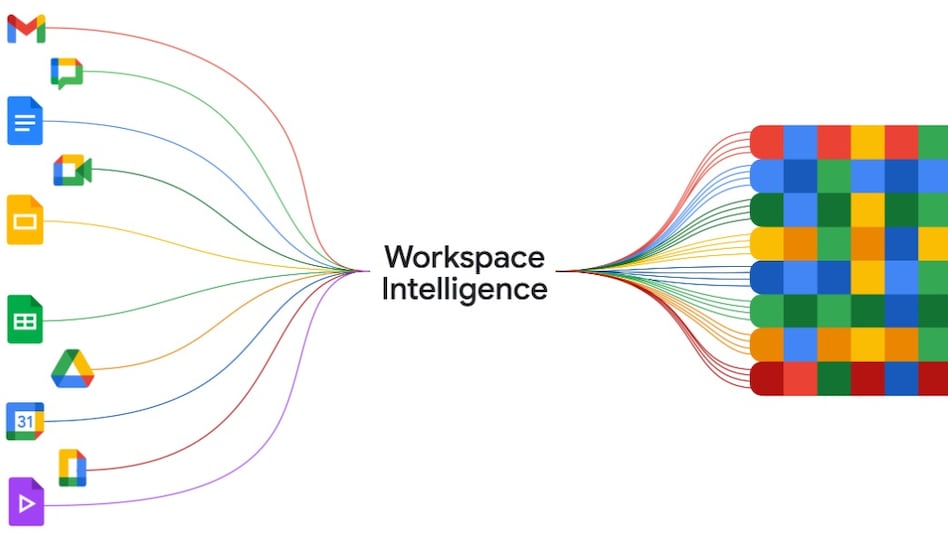
Google hosted its Cloud Next 2026 conference on April 22, announcing plenty of Workspace updates across its products and services. The announcements also included the integration of the Gemini-powered AI Overviews feature to Gmail. This feature is currently available in Search that uses AI to summarise user queries, it will now extend to summarising emails for workplace users of Gmail.
How you can use AI overviews in Gmail

 Tata Trusts propose merger of two Tata units with Tata Sons to avoid listing
 Essar Group's Mesabi Metallics plans $15 billion US steel mill, Trump to unveil the project
 Air India CEO-designate Tewolde lays out 5 priorities, puts safety and reliability first
 Nifty set for worst returns in 15 years, analysts weigh in
  India's industrial output hits 8% growth in August, manufacturing up 9%
 Crude Oil Next Big Commodity Bet? | Strait Of Hormuz Crisis | Commodity Outlook
 Nifty Falls: 22,500-22,300 Next? Expert Warns Against Bottom Fishing Amid Sharp Sell-Off
 Meta Muse AI & Smart Glasses, iPhone 18 Pro Max In-Depth Review & Easy iOS Data Transfer | Tech Today
 Silver Slips Below 200 DMA: Why This Crash Is A Golden Buying Opportunity | Navneet Damani
 Gold Falls $1,500 From Peak: Smart Accumulation Or Risky Bet? | Anuj Gupta
 BSE stock may test Rs 3,000 mark, says analyst; stays positive for long term
  Why HDFC Bank, TVS Motor shares are top picks amid ongoing correction
  Tata Steel shares lag peers over three months; is European business weakness priced in?Nifty set for worst returns in 15 years, analysts weigh in
  YES Bank, BOI, BoM, Union Bank, PNB, RBL Bank: Why bank stocks fell today
 Adani Group firms settle SEBI case for Rs 1.48 crore over alleged MPS violations
 FASTag annual pass crosses 1 crore mark, over 1,150 toll plazas coveredEssar Group's Mesabi Metallics plans $15 billion US steel mill, Trump to unveil the project
 Tata makes its EVs cheaper to buy upfront, under BaaS scheme
 Cleartrip checks in for a holiday-powered growth trip


