


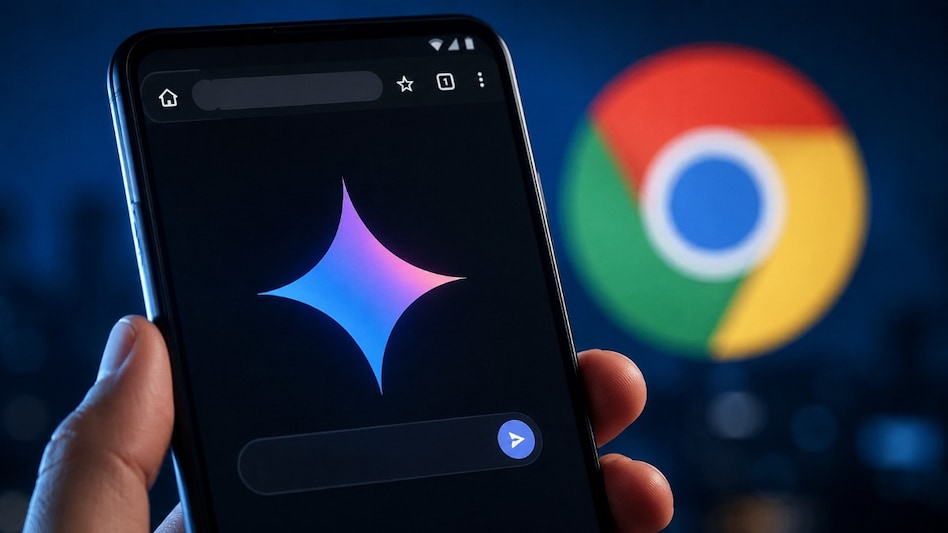
 Gemini in Chrome brings AI-powered browsing tools to Android users, starting in the US.
Browsing on your phone could soon become less dependent on switching between tabs, copying information and moving between different apps. Google is bringing Gemini directly into Chrome for Android, allowing the AI assistant to understand the webpage you are viewing and help you find, compare and create information without leaving the browser.
The feature is currently rolling out to Android users in the US, expanding Gemini in Chrome beyond desktop devices.

 India’s dependence on Russian crude set to rise after a steep drop in August
 'Today is your last working day': Oracle begins new round of layoffs; here's what the shocking 6 am email says
 RBI files caveat in Bombay HC in Tata Sons listing matter: Report
 Meta tightens child safety measures as centre cracks down on abuse content: Report
 Finance Ministry bars charges on UPI transactions up to Rs 2,000
 I.T. Stocks Rally: Big Bounce Ahead? Nifty I.T. Outlook, FII Flows & Investment Opportunities Explained
 Tata Sons Board Meeting: Mega IPO, Valuation And Value Unlocking In Focus
 Expect Good Growth In Festive Season, Aim To Outperform Luxury Industry Growth | BMW India President
 iPhone Duo Foldable Unveiled! iPhone 18 Pro Launch, Watch Series 12 & Apple Park Exclusive
 TRAI Chief On AI Risks: Consumer Safety Must Come First As Telecom Adopts New Technology
 HDFC Bank shares attempt recovery from recent lows, here's what analyst says
  Raymond shares rally to hit record high, now up over 200% in six months; what's behind this surge?
 Indian crude oil basket hits $128.70, highest since April: Impact on stocks, sectors, RBI policy
 Manappuram Finance shares fall 3% after two senior management resignations
 Bajaj Holdings' arm announces 1600% dividend for FY27: Check record date, other key detailsI.T. Stocks Rally: Big Bounce Ahead? Nifty I.T. Outlook, FII Flows & Investment Opportunities Explained
 Engineering hiring skips freshers as jobs shift beyond IT HDFC Bank shares attempt recovery from recent lows, here's what analyst says Tata Sons Board Meeting: Mega IPO, Valuation And Value Unlocking In FocusExpect Good Growth In Festive Season, Aim To Outperform Luxury Industry Growth | BMW India President












