


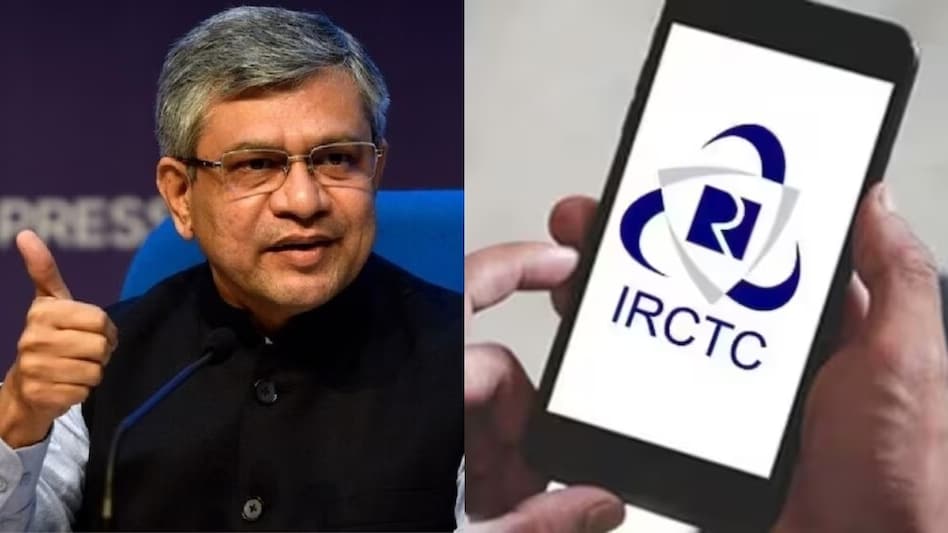
 IRCTC has shared a step-by-step guide to help users easily book Tatkal tickets by selecting the Tatkal quota after logging in and entering travel details on its website.
Indian Railway Catering and Tourism Corporation (IRCTC) has announced a significant update to its Tatkal ticket booking system, incorporating e-Aadhaar authentication to enhance the booking process. This change, announced by Union Railway Minister Ashwini Vaishnaw on June 3, 2025, aims to ensure genuine users secure confirmed tickets efficiently.
By submitting Aadhaar numbers along with demographic or biometric details to the UIDAI’s Central Identities Data Repository, the authenticity of the ticket applicants is verified, potentially reducing fraudulent bookings. This step is expected to streamline the process and increase trust among passengers.

 TCS to acquire Porsche’s IT consulting arm MHP for €320 million, signs five-year strategic deal
 Tata Sons board likely to meet on September 17, Chandrasekaran exit may take center stage
 'Our trade is growing again, thanks to PM Modi': Putin tells EAM Jaishankar
 Trade war escalates: Trump announces 50% tariffs on Canadian autos & steel from Jan 1
 Saudi attacked by Houthis, Turkey targeted by Israel: So what is the Mecca Pact doing?
 Market Masters | Aniruddha Sarkar On Top Sectors, Market Outlook & Where To Invest
 Daily Calls: Ask Your STOCK MARKET TODAY QUERIES | Market Update | Share Market News Today
 All About Debt Funds: Types Of Debt Funds & How To Invest | Mutual Fund Guide | Money Today
 “India Can Attract Global Space Talent Like A Magnet”: PM Modi To Startup CEOs
 CM Yogi Responds To Rahul Gandhi Over Manusmriti Remarks, India's Youth, And Heritage
 Tempsens Instruments IPO: Issue subscribed over 184 times on final day; check latest GMP
 Cupid's Aditya Kumar Halwasiya ups stake to 33.53%; buys 11 lakh shares
 Auto, auto ancillary stocks: Is it time to book profits? What Centrum's Nilesh Jain says
 This mid-cap metal stock zooms 15% on Rs 2,700 crore order announcement; do you own?
 RVNL shares a buy? Accumulate railway stock as valuations cool, says Kranthi Bathini
 Made in Amethi: India’s first 100% indigenous AK-203 Sher is ready for its biggest test
 Next Phase of Tamil Nadu’s Growth is About Creating Value Over Volume: TN’s Minister for Industries S. Keerthana
 FCNR(B) deposits: IDFC FIRST, IndusInd offer 6.75%; top PSU banks offer 6.60% as RBI forex window nears closure
 ₹5 lakh crore flexi-cap universe reveals wide risk gap: Here’s how 22 funds are positioned
 Gurugram issues work-from-home advisory for Tuesday following heavy rain and flooding












