

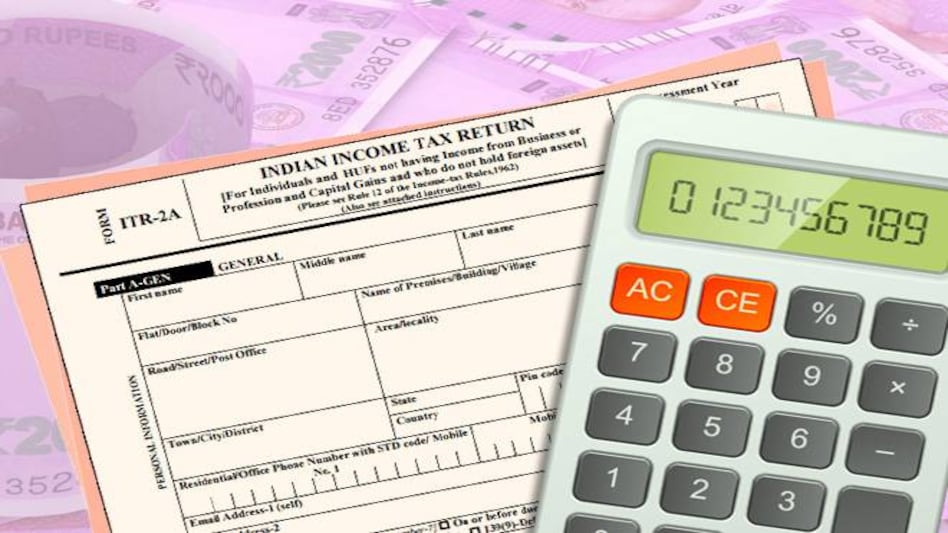
 The last date to file your income tax returns (ITRs) is August 31
The deadline for filing your income tax returns (ITR) is just three days away so procrastinators are fast running out of time. A common mistake in the last minute rush to e-file returns is to simply upload your ITR - either on the dedicated tax filing portal of the Income Tax Department (incometaxindiaefiling.gov.in) or through the likes of Cleartax and Taxspanner - and forget to check the status post submission.
From failing to verify your returns to receiving Section 143(1) intimation from the taxman, several things may go wrong after you upload your form and delay your refunds, if any. Hence, it is advisable to periodically check the status of ITR filing. Till you see "ITR Processed" against your ITR form for the current assessment year ( 2019-20), the process is not complete.
 'I'll be here for 2.5 years': Trump warns Iran against waiting for midterms for a deal
 India could raise ₹2 lakh crore through IPOs; 55% of FY27 proceeds already fresh capital: SEBI Chairman
 No prescription, no pills: Govt cracks whip on misuse of painkillers, antibiotics
 SEBI settles proceedings linked to Hindenburg report against 5 Adani firms for ₹1.51 crore
 'No positive response on 5-day banking': Bank unions to go ahead with 3-day strike
 IT Stocks Under Pressure: What Next For Indian Markets? | Chakri Lokapriya
 Karnataka’s Welfare Schemes Under Pressure As Finance Department Flags New Challenges
 Family Disputes Can Hold Businesses Back: Nirmala Sitharaman’s Message To Family Firms
 TRAI New Rules: Voice-SMS Only Plans Mandatory | What It Means For 20 Crore Non-Data Users
 Oil & Gas Capex Boom: Anshul Saigal Names Energy Stock He Owns | Saigal Capital Advisors
 Peshwa Wheat to raise ₹53.52 crore through IPO; funds to go towards expansionIndia could raise ₹2 lakh crore through IPOs; 55% of FY27 proceeds already fresh capital: SEBI Chairman
 Balmer Lawrie to demerge Travel & Vacations unit into wholly-owned subsidiary: Report
 Sansera Engineering shares rise 7%; Goldman Sachs raises target; sees further upside
 US-Iran talks today? Oil slips to $98 a barrel; will Sensex, Nifty rebound?
  Nagaland's 'Angh' wins Toronto International Film Festival award, Becomes eligible for 2027 Oscars
 RBI revises InvIT, REIT valuation norms for all-India financial institutions; check new rules'I'll be here for 2.5 years': Trump warns Iran against waiting for midterms for a deal
 Trump Calls Iran ‘The Number One Sponsor Of Terror’ In UNGA Address
 Tata Trusts vs Tata Sons: Abhishek Singhvi says shareholder rights cannot be ‘nullified’












