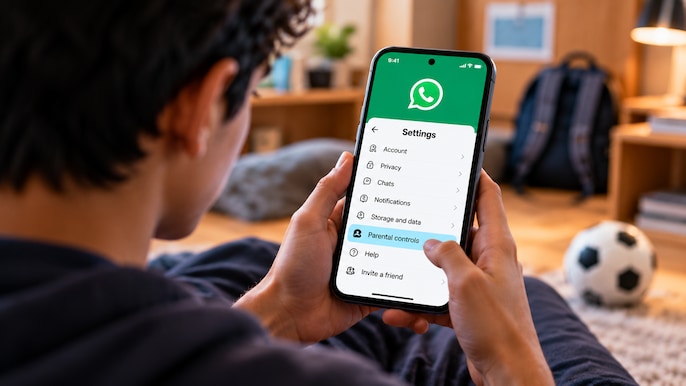
WhatsApp announced optional teen parental controls on September 30. Its setup guide starts on the teen's phone: open Settings, choose Parental controls, confirm the birthdate and follow prompts to link the parent's account. (AI generated representative pic)
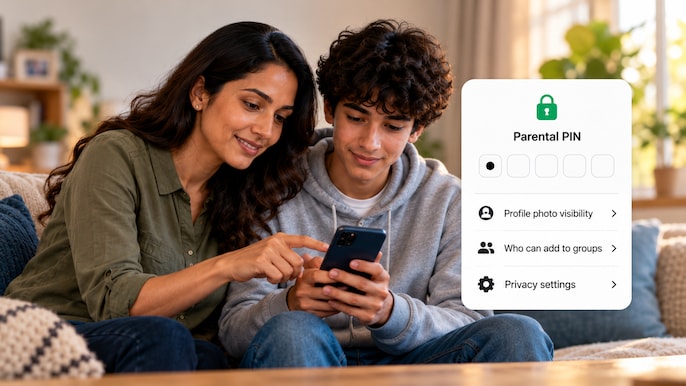
Parents can choose who sees their teen's profile photo and who can add them to groups. A teen needs approval through the parent-set PIN to relax protected settings. This gives families control over specific privacy choices. (AI generated representative pic)
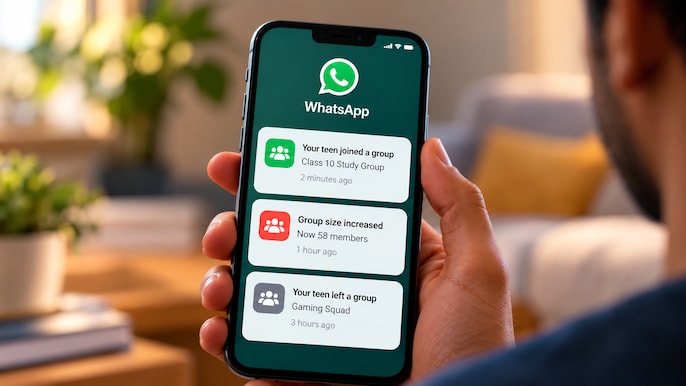
Parents can receive notifications when their teen joins or leaves a group, or when a group grows meaningfully in size. The announcement describes activity alerts, which help families discuss changing group membership. (AI generated representative pic)
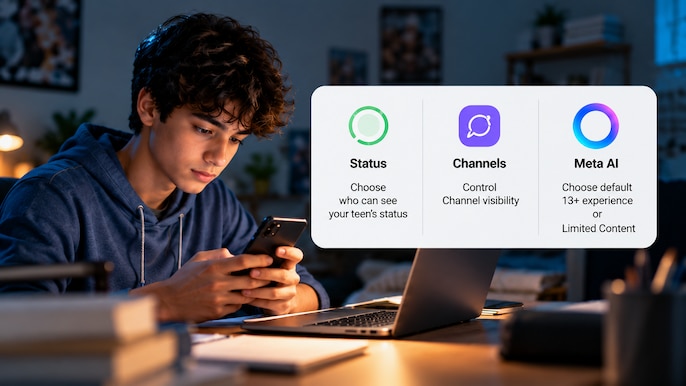
The tools include choices about Channels and Status visibility. For Meta AI, parents can choose the default 13+ experience or a stricter Limited Content option. These are separate controls for different parts of the app. (AI generated representative pic)
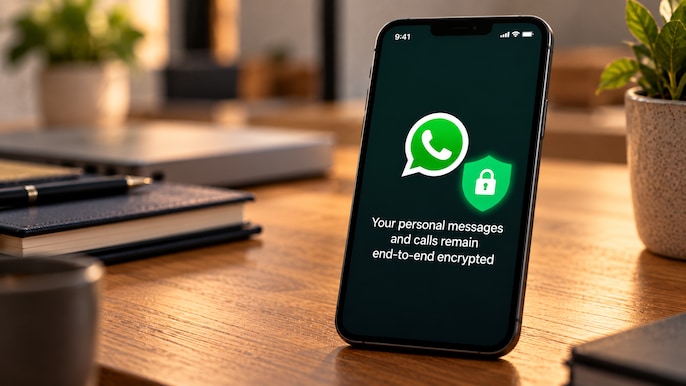
WhatsApp says personal messages and calls remain end-to-end encrypted with the controls enabled. Its product page also warns that rollout is gradual and the feature may not yet be available in your region. (AI generated representative pic)
 Jio Platforms IPO: $3.8 Billion Issue Set To Launch October 21, Reuters Reports
 PwC India’s Sanjeev Krishan |The CEO’s View: Can India Turn Geopolitical Turbulence Into Growth?
 IndiGo Raises Fuel Surcharge: Festive Air Travel To Get Costlier From October 6
 5 Biggest iPhone 18 Pro Series Myths Busted!
 Kia Sorento Review: Is This 3-Row SUV A Perfect Family Car?