


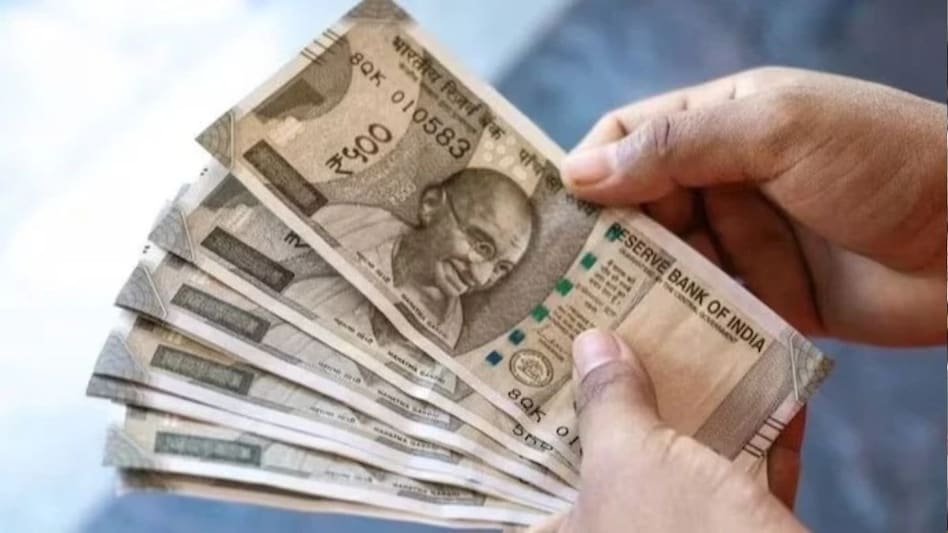
 Aadhaar-based Face Authentication allows pensioners to generate their Digital Life Certificate without visiting a bank or pension office.
More than 82 lakh pensioners under the Employees’ Pension Scheme (EPS-95) depend on their monthly pension for financial security. According to the EPFO dashboard, the scheme currently covers 82,11,182 pensioners. For these beneficiaries, keeping the Life Certificate, or Jeevan Pramaan, valid is essential to avoid disruption in pension payments.
Unlike a fixed annual deadline, an EPF pensioner’s Digital Life Certificate (DLC) remains valid for 12 months from the date of submission. If a fresh certificate is not submitted before the validity period expires, pension payments can be stopped from the following payment cycle. The pension can resume after the new certificate is submitted and processed, with the delayed amount released subsequently.

 India to modify Su-30MKI jets for 300-km Russian air-to-air missile: What it means for IAF
 ‘No one is prepared for the consequences’: OpenAI chief scientist calls for ‘extreme caution’ over AI’s rapid progress
 Manika Plastech IPO opens on Sept 11; check price band, issue size, GMP and other key details
 JSW Infra shares: Jefferies trims target after FY26 annual report, says this
  Jio’s ₹3,599 anniversary plan vs Airtel and Vi: Which annual recharge offers the most value?
 Delhi PG Collapse: Unsafe Buildings, Missing Safety Checks & The Accountability Question
 Equity, FDs, Gold & More: How Couples Should Plan Their Investments Together
 How Couples Can Balance Shared Goals With Individual Dreams And Financial Needs
 FSSAI CEO On Misleading Food Ads, Brand Crackdowns And Pressure From Industry Lobby
 Couples & Tax Planning: How Smart Expense Planning Can Help Reduce Family Tax Outgo
 Ion Exchange shares jump nearly 11%; brokerage assigns 'Buy', check target
 Pricol shares rise 4%; buy stock for 22% upside, says Axis Securities
 Black Box shares gain most in 19 weeks amid market crash; more details
  UltraTech Cement’s cables & wires entry: Will peer stocks face near-term pressure?
 India VIX rises 6% as Sensex, Nifty extend losses in afternoon session
  27-year-old Amazon engineer gives up ₹46 lakh package to join Indian Army
 Delhi woman flies to Mumbai for ₹20 vada pav, spends ₹15,000; netizens call it ‘ameero ke struggle’
 FSSAI vs Old Monk: Bombay HC denies interim relief, revised labels under review
  Nvidia's Jensen Huang declares 'AGI has arrived' as OpenAI unveils GPT-6 Astra
 Himadri Speciality Chemicals targets ₹30,000-cr battery materials business, eyes global footprint












