


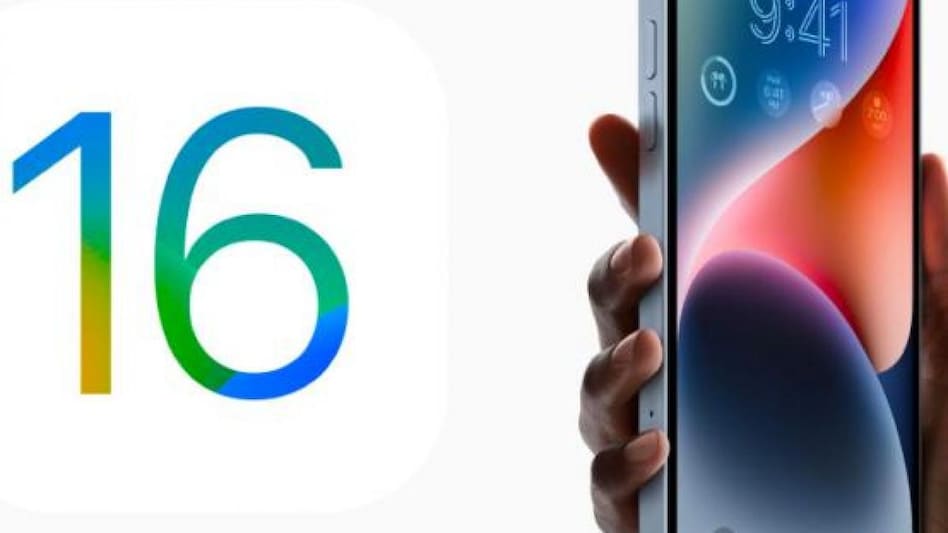
 iOS 16 was first announced at Apple's WWDC conference
After launching its next line of iPhones, Apple Watches, including the Apple Watch Ultra, and the AirPods Pro at its latest Far Out event, Apple has rolled out its software iOS 16 for iPhones from September 12. The updates are available for users in India. The new software version has brought in a major design change for the lockscreen, iMessage, new tools in Mail, and has introduced more ways to interact with photos and video. Apple earlier announced that iOS 16 will be available on the iPhone 8 series, iPhone X, iPhone XR, iPhone XS, iPhone XS Max, iPhone 11, iPhone 11 Pro, iPhone 11 Pro Max, iPhone 12, iPhone 12 mini, iPhone 12 Pro, iPhone 12 Pro Max, iPhone 13, iPhone 13 mini, iPhone 13 Pro, iPhone 13 Pro Max, iPhone SE (2020), and iPhone SE (2022).
The new iPhone 14 series that includes iPhone 14, 14 Plus, 14 Pro, and 14 Pro Max will come with iOS 16. Users who want to check its availability, can first click on Settings > General > Software update.

 'Methodology is very robust': Former statisticians back GDP base year revision
 FCNR deposit bonanza: Economists explain why deft liquidity management will be key
 ‘Painful to hear allegations of data jugglery’: MoSPI secretary Saurabh Garg says every data is verifiable
 ₹1,800 crore Ultravolt bet: Aditya Birla Group enters wires and cables market, targets top two spot in 5 years
 $136 billion forex inflow gives rupee a lift, takes it to two-month high
 Maruti Suzuki Sees Strong Demand Ahead; ‘No Reason Why We Should Not Sustain Volumes’: Partho Banerjee
 Ultravolt: Birla’s New Wires & Cables Bet | Kumar Mangalam Birla Explains The Opportunity
 Why Did India’s GDP Fall From ₹86L Cr To ₹80L Cr? | MoSPI Secy Dr. Saurabh Garg Explains
 India Back To ‘A’ Rating After 38 Years: N K Singh Explains The Big Economic Shift
 Exposing The GDP Controversy: Why Subhash Garg's Math Is Flawed
 Coal India, Finolex Cables, Gulf Oil, Federal-Mogul Goetze among stocks to turn ex-dividend tomorrow, details here
 Fintech smallcase launches US stock, ETF portfolios for Indian investors
 Sensex plunges over 2,100 points in 3 minutes; what happened in final 5 minutes?
 Britannia, Tata Consumer, Marico: What should investors do as commodity inflation rise
 How EV-themed stocks could impact sentiment on Maruti Suzuki counter
  Luxury bags vs gold investment vs Birkin bag: Should you buy a handbag instead of gold?
 Hombale Films takes 'Hanuman Ansh' global: Check worldwide release date after ₹61 crore success
 HSBC MF’s RedHex Hybrid Long-Short Fund crosses ₹1,000 crore AUM within two months of launch
 Looking for South Indian films? Netflix’s new Southverse puts them all in one place
 Japan has a 17-year-old literacy ambassador. Meet Aditi Paudel, the first from the country to take on the role












