


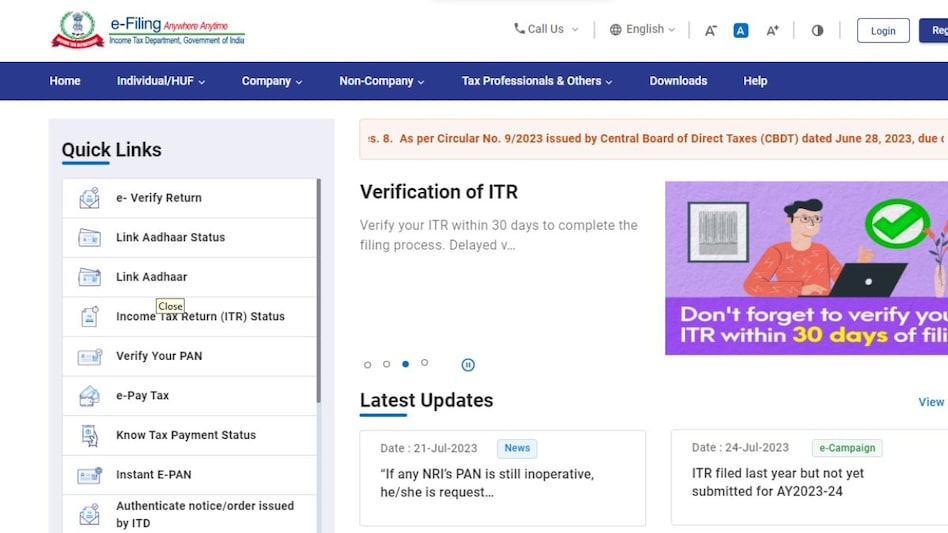
 July 31 is the last date to file your ITR
 The July 31 deadline to file income tax returns is fast approaching. Taxpayers can pay their taxes online through the Payment Gateway option available on the e-Filing portal www.incometax.gov.in. This service allows taxpayers to make tax payments much more efficiently using payment methods, including Credit Card, Debit Card, Net-banking, and UPI.
Here is a step-by-step guide to help you make your tax payment online:

 'FOMO, fixed return': SEBI proposes revamped ad code for bond portals from misleading investors
 Bangladesh-Pakistan ties: What Dhaka’s interest in Saudi-Türkiye defence pact means for India
 AI jobs rise 51% in India, but 75% of job skills could change by 2030: LinkedIn India head
 From small loans to big businesses : How rural women are changing India’s microfinance story
 RBI forex swap facility draws $72.85 billion inflows, FCNR(B) deposits account for bulk
  Rental Income Tax: 3 Key Deductions Every Senior Citizen and Property Owner Should Know
 Meta’s $200 Billion Trial: Did Instagram & Facebook Keep Kids Hooked?
 Motor Insurance Explained: Is Third-Party Car Insurance Enough? Know Before You Buy
 Retirement Tax Planning: 5 Ways Senior Citizens Can Reduce Their Tax Liability
 #IndiaAt100 : Adipen Bose Nandhiji On Conscious Capitalism- Can Profit & Purpose Coexist?
 India stocks lag global markets in 2026: BofA data shows 9.1% decline in USD terms'FOMO, fixed return': SEBI proposes revamped ad code for bond portals from misleading investors
 Crompton Greaves says no plan to sell stake, expects revenue to double by FY31
 Gaja Alternative Assets IPO: 3 ways to check application status; allotment odds, GMP, listing date
 FII sentiment shows early signs of turnaround after months of selling: Report
 IMD issues heavy rain alert across states. What is Delhi weather for today?
 ₹20,000 to ₹1 lakh: How much can you earn from a 444-day FD in top PSU banks?
 Winning Gen Z: Why fintechs are turning every payment into a consumer engagement opportunity
 US debt hits danger zone: Ray Dalio explains why a ‘Big Debt Cycle’ could trigger a crisis
 Pacific temperatures could hit 3°C above normal: Will 2026 ‘Super El Niño’ rewrite weather records?












