


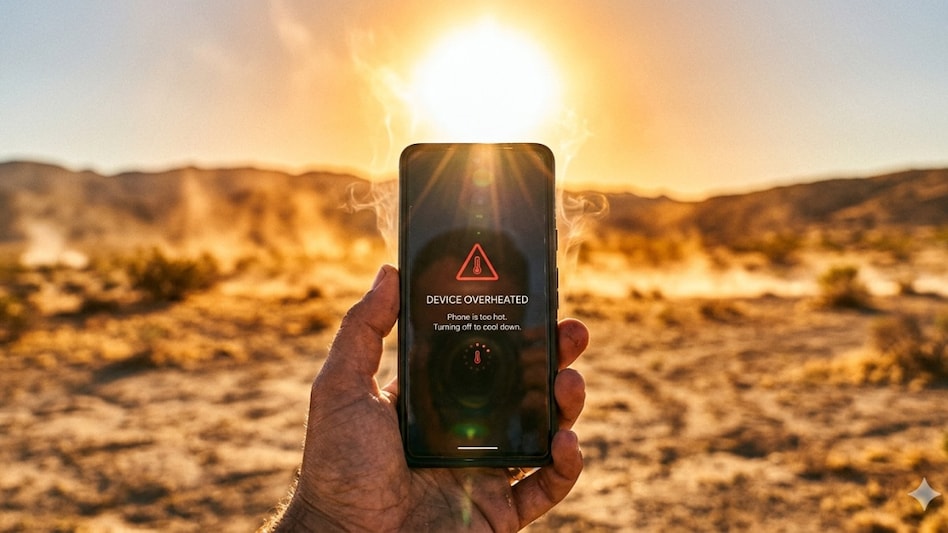
 Know ways to prevent smartphone from overheating.
 India has officially reached its peak of summer with temperatures rising up to 47 degrees across Uttar Pradesh, Rajasthan, Maharashtra, and other states. While we are yet to enter June, the intense heatwave conditions are already beginning to impact daily life, including our smartphones.
In several instances, the smartphone refuses to charge beyond 80% due to overheating, and we are also noticing sudden battery drain, performance slowdowns, having a direct impact on devices. If you are also facing similar issues, then you might want to change your everyday practices to prevent smartphone overheating. Here are a few tips you may want to check out.

 Apple launches iPhone 18 Pro, iPhone 18 Pro Max: Brings upgraded performance, camera, and more
 'Be right back': Apple Store goes offline ahead of 'Surprise and Shine' event
 'Comparing apples and oranges': CBIC responds to Subhash Garg's claim on GST growth
 India's exports hold up despite global turmoil, rise over 15% in April-August
 'No trace of any call with Zayed': Netanyahu sues Haaretz over report on UAE warning ahead of Oct 7
 Tata Curvv EV: First Look At The Tech-Packed Electric SUV
 IDBI Bank Stake Sale: Fairfax Bid, ₹53,000 Cr Valuation & Deal Delay Explained
 Adani Group Plans $2.5 Billion Offshore Loan To Refinance Cement Acquisition Deb
 Sugar Exports Under Pressure: Tight Stocks, Ethanol Diversion & Weather Risks Cloud
 Brent Crude Crosses $100: India’s Oil Basket Hits $108.9; What It Means For Markets
 Index manipulation case: Sebi lifts trading ban on JPMorgan unit after Rs 2.96 crore deposit
 Dow considers exit from $20 billion Saudi Aramco chemicals venture Sadara
 Nifty IT tumbles 3%: Near-term trend weak; AI concerns, US rate worries weigh
 Cupid's Aditya Kumar Halwasiya ups stake again; buys 15 lakh shares
 ASM Technologies stock hits record high as RK Damani entity, Asha Mukul Agrawal back fund raising
 Apple Watch Ultra 4 launched: Better battery life, new bands and smarter daily summaries
 The iPhone folds! Apple unveils its first-ever foldable ‘iPhone Duo’
 Apple Watch Series 12 launched: Ceramic option, Readiness app and smarter daily insights
 Apple launches AirPods 5 with Adaptive EQ, personalised Spatial Audio and live translationApple launches iPhone 18 Pro, iPhone 18 Pro Max: Brings upgraded performance, camera, and more












