
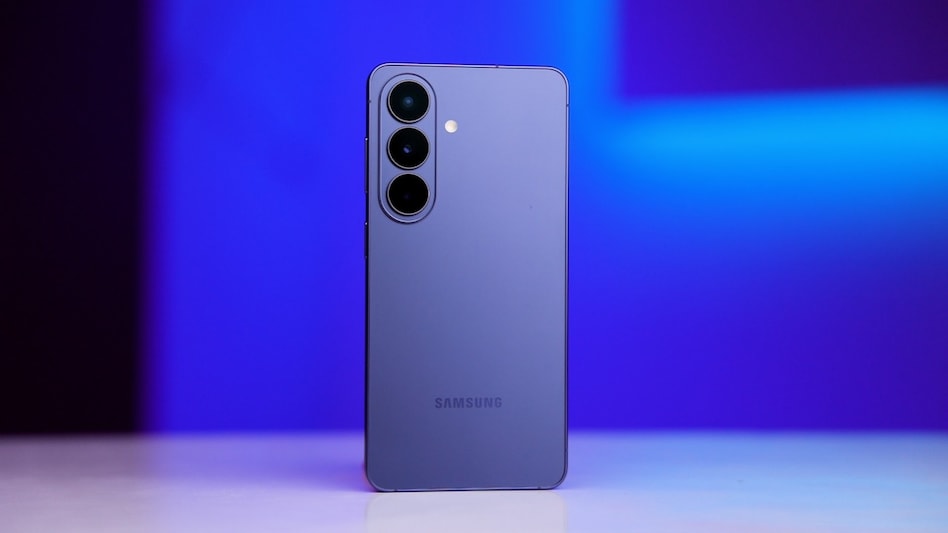
 Samsung One UI 9.5 beta brings new privacy, sharing and personalisation features to Galaxy phones.
Samsung is giving Galaxy smartphone users more control over their devices with its latest One UI 9.5 beta. The update brings several changes to how you protect personal information, share content and manage your phone's storage.
While some additions improve existing Samsung features, others address everyday needs, such as locking individual applications without relying on Secure Folder. The software also introduces a new way to share content between compatible devices and adds an option to make lock screen wallpapers more interactive. Samsung has started testing the update with Galaxy S26 users in select regions.

 India narrows gap with China: Defence, trade stability lift regional clout in 2026 Asia Power Index
 APL Apollo Tubes shares fall 14%, Tata Steel drop 5% after deal; here's why
 BT BIG STORY: India’s growth story faces a twin squeeze from inflation and the rupee
 Tata Steel to buy 26.38% stake in APL Apollo for Rs 15,510 crore; open offer to follow; stocks in focus
 Gold prices fall 35% from record high: How gold loans business is impacted
 Nifty To 35,000 By End-2027? Why D-Street’s Most Cautious Stock Picker Just Turned Super Bullish
 PM Modi Bats For ITI Students: "They Deserve The Same Respect As IITians"
 FSSAI Action Against Bisleri: Packaged Drinking Water Sample Fails Safety Test
 India Today-Aaj Tak Masterclass: Anand Kumar, Raj Shamani & More Inspire Young Minds
 Pakistan Minister In Delhi: PM Modi's SCO Outreach, Indus Treaty Row & Opposition Attack

 Why market is falling today: Sensex down 1,900 pts from day's high, Nifty below 25,500
 Vedanta, HindZinc, Bajaj Auto, Eicher Motors, Maruti, Voltas: Impact of global metal price crash
 Indian Hotels shares set to resume winning run after four years, price targets and more
 Tata Steel-APL Apollo Deal: SG Mart, SG Finserve shares crash upto 15% from day's high
 Nifty at 35,000 in 12-18 months? Expert sees banks, FMCG leading gains; shares top stock picks
 Budget FY28 may widen PLI schemes to boost sunrise sectors, advanced technology, manufacturingNifty To 35,000 By End-2027? Why D-Street’s Most Cautious Stock Picker Just Turned Super Bullish
 ₹4.5 lakh a month from maggi? Rohtang pass seller’s off-season turnover wows internet
 ‘Grand Theft without auto’: Shashi Tharoor turns GTA 6 review into a demonetisation dig at Modi govtPM Modi Bats For ITI Students: "They Deserve The Same Respect As IITians"